App Store Category & Chart Rankings: How They Work
Quick answer: App Store category and chart rankings are different from keyword search rankings. Top Charts (Free, Paid, Grossing) and category rankings are driven mainly by download volume and velocity, and, increasingly in 2026, by retention and engagement. You can't directly "optimize" a chart the way you optimize a keyword; you climb by driving installs, keeping users, choosing the right category, and earning editorial features.
Last updated: June 2026.
New ASO practitioners often conflate three very different rankings, then wonder why their "ASO" isn't moving the charts. Search rankings, category rankings, and Top Charts are separate systems with separate inputs. This guide untangles them, explains what actually moves the charts in 2026, and shows what you can, and can't, control. It builds on the App Store Optimization guide.
Three kinds of ranking (don't confuse them)
| Ranking type | What it is | Mainly driven by |
|---|---|---|
| Keyword search rank | Your position for a search term | Metadata relevance + performance signals |
| Category ranking | Your rank within your category's charts | Download volume + velocity + engagement |
| Top Charts | Free / Paid / Grossing lists, overall + per category | Download volume + velocity + engagement |
Most of this blog is about search rank, which you influence directly through keyword research and metadata. Charts and category rankings are different: you influence them indirectly, through installs and retention.
What drives the charts
Download volume and velocity are the primary signals. Velocity (how fast your installs are growing over a short window) matters even more than raw totals for the charts, which is why a viral spike or a coordinated launch can rocket an app up the rankings for a few days. Charts update frequently, so they reward momentum.
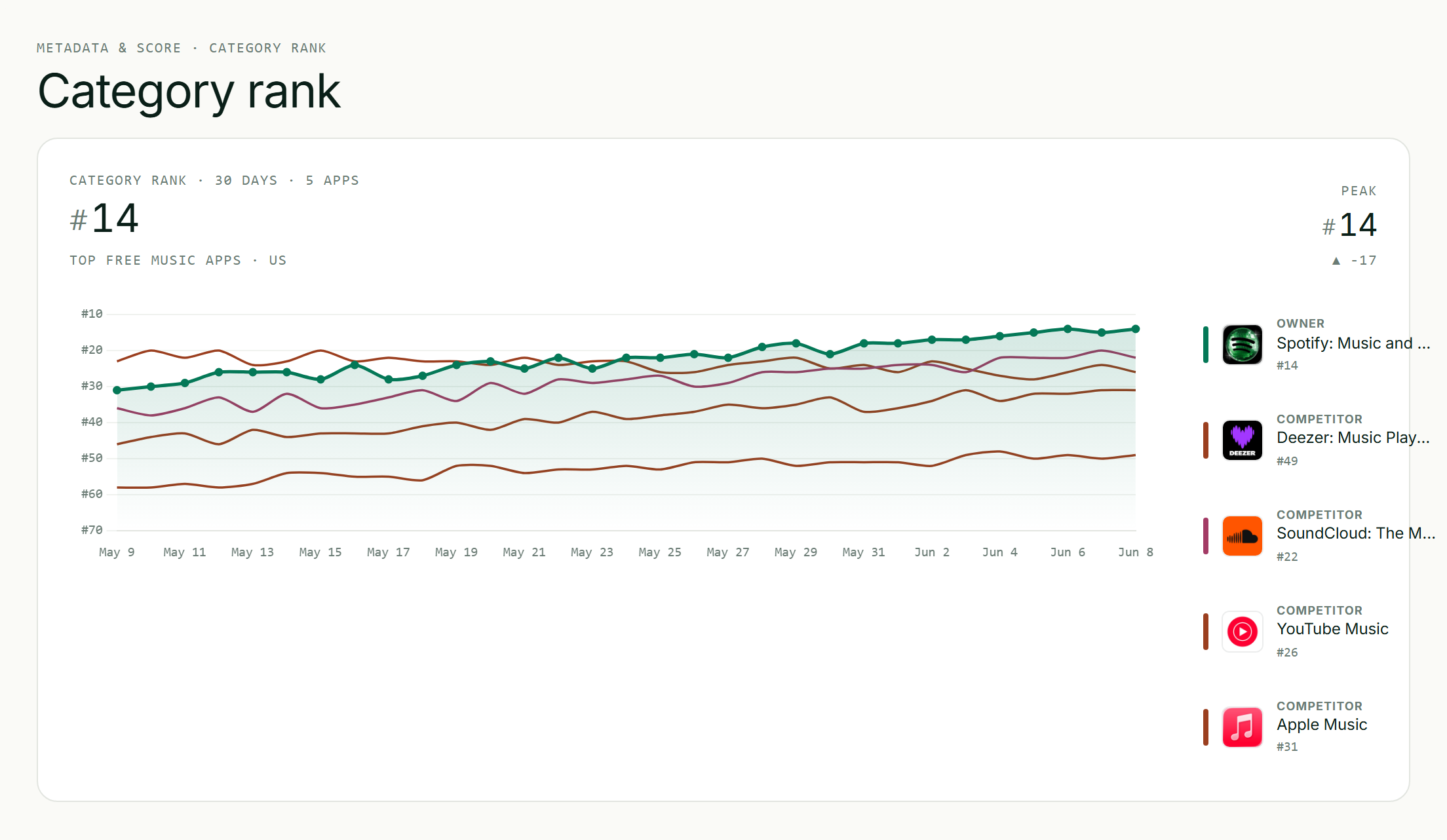
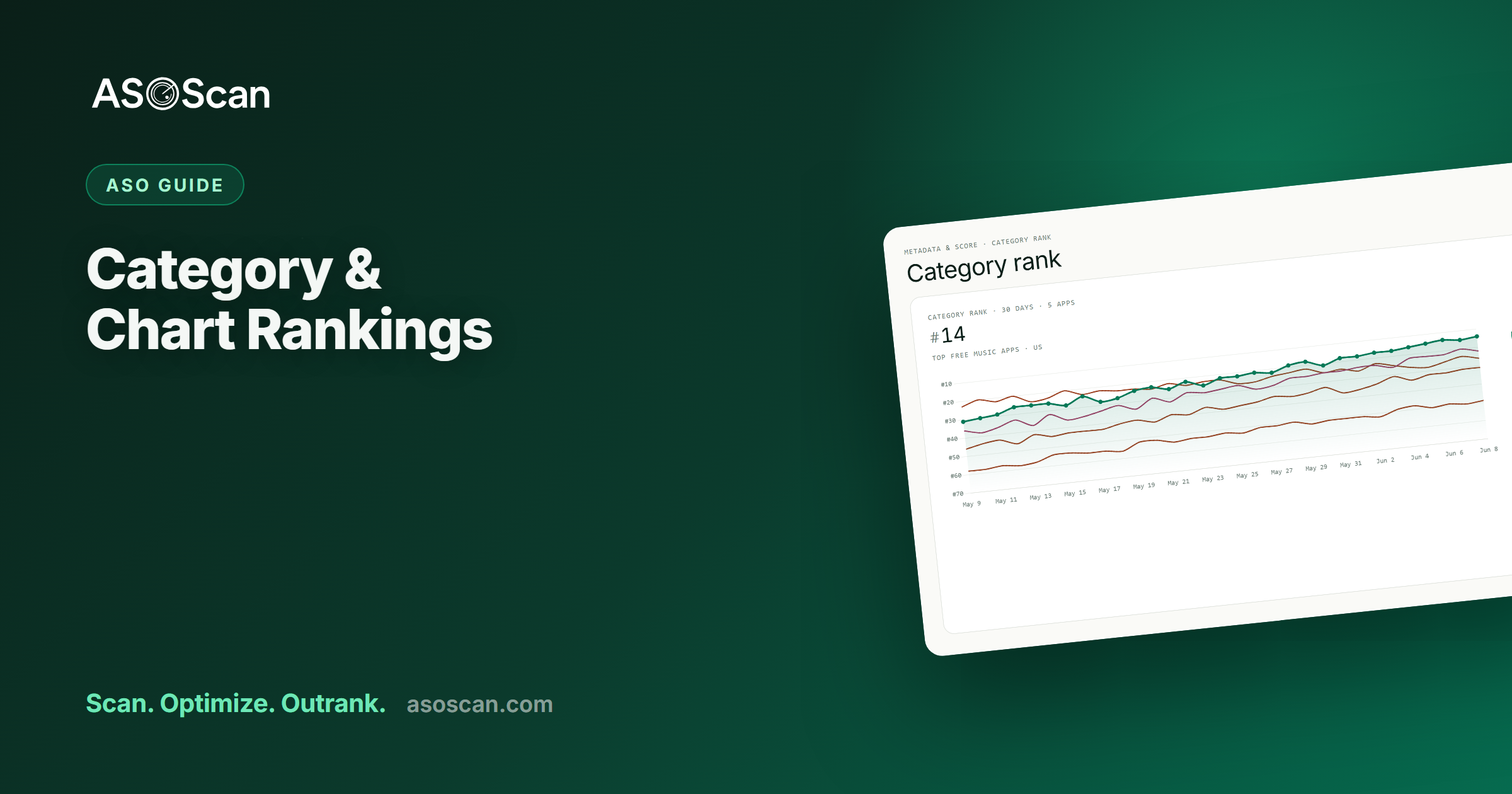
Category rank, tracked daily: momentum is visible before it peaks.
The 2026 shift: retention and engagement now count
The big change for 2026: both stores now weigh behavioral signals (retention rate, session frequency, and user-perceived quality) alongside download velocity (reported across the ASO industry). The practical effect:
- An app with moderate downloads but strong 7-day retention and low crash rates can outrank a competitor with higher installs but poor engagement.
- It's a hybrid model: velocity produces short-term ranking spikes, while retention and engagement drive sustained positioning. A burst gets you up; quality keeps you there.
This is the same engagement-weighting shift we cover in what changed in ASO for 2026. It shows up in the charts as clearly as in search.
Choosing the right category
Your category isn't a ranking hack, but it is a strategic choice:
- Pick the most relevant category. Mis-categorizing to chase an easier chart violates store guidelines and hurts your relevance for the searches that matter.
- iOS lets you set a primary and secondary category. Use the secondary to capture a relevant adjacent chart.
- A relevant but less-saturated category can be easier to chart in than a giant one, if it genuinely fits your app. "Relevant" is the constraint; never miscategorize.
You can't game charts, you earn them
There's no metadata switch that moves a chart. You climb by doing the underlying work:
- Drive installs: through organic search rank, conversion, and (optionally) paid like Apple Ads. Volume and velocity feed the charts.
- Keep users: retention and engagement now sustain chart position. A leaky app falls off the chart after the launch spike.
- Time your bursts: a launch, a big update, a seasonal moment, or a press hit can create the velocity spike that breaks you into a chart, where ongoing quality then holds you.
- Earn ratings: quality signals reinforce everything above (see ratings and reviews).
Editorial features (the other path to the charts)
Both stores feature apps editorially: the App Store's Today tab and Google Play's curated collections. Featuring drives a large, sudden install burst that can launch you up the charts. You can't buy it, but you can earn it: ship a high-quality, well-designed app, use in-app events and timely updates, follow the store guidelines, and (on iOS) keep your App Store Connect "nominate your app" pitch current. Editorial teams look for great design, fresh content, and moments worth surfacing.
How charts feed discovery
Charts aren't just a vanity metric; they're a discovery surface. Users browse Top Charts and category lists, so a chart position generates its own installs, which generate more velocity, which holds the position. That feedback loop is why breaking into a chart matters: it compounds. Monitoring where you and your competitors sit in category charts (and which apps the store is featuring) is exactly what the Browse & Discover surfaces are for.
Common mistakes
- Confusing charts with search rank and expecting keyword work to move the charts directly.
- Miscategorizing to chase an easier chart: a guideline violation that hurts relevance.
- Chasing a launch spike with no retention: you rocket up, then fall off within days.
- Treating charts as something to "optimize" rather than a result you earn through installs and quality.
- Ignoring engagement in 2026: it now decides whether a chart position sticks.
Frequently asked questions
How are App Store top charts ranked?
Primarily by download volume and velocity (how many installs you get and how fast they're growing over a short window), with charts updating frequently to reward momentum. As of 2026, both stores also weigh retention and engagement, so a burst of installs gets you up the chart while ongoing quality and retention determine whether you stay there.
What's the difference between category ranking and keyword ranking?
Keyword (search) ranking is your position for a specific search term, driven mainly by metadata relevance plus performance. Category ranking and Top Charts are your position in your category's or the overall Free/Paid/Grossing lists, driven mainly by download volume, velocity, and (now) engagement. You influence search rank directly through ASO and the charts indirectly through installs and retention.
Can I optimize my app to rank higher in the charts?
Not directly: there's no metadata setting that moves a chart. You climb by driving installs (via search rank, conversion, and optionally paid), keeping users (retention now sustains chart position), timing velocity bursts like launches and updates, and earning ratings and editorial features. Charts are a result you earn, not a field you optimize.
Does choosing a different category help my ranking?
Choosing the most relevant category is important, and a relevant but less-saturated category can be easier to chart in, but only if it genuinely fits your app. Miscategorizing to chase an easier chart violates store guidelines and damages your relevance for the searches that matter. On iOS, use the secondary category to capture a relevant adjacent chart.
How do apps get featured on the App Store?
Editorial features are earned, not bought. Store teams look for high-quality design, fresh content, in-app events, timely updates, and adherence to the guidelines. On iOS you can also submit a featuring pitch through App Store Connect. A feature drives a large install burst that can launch you up the charts, where ongoing quality and retention then hold the position.
Category choice connects to everything else in the complete ASO guide and free category picker.