App Store Description Optimization (iOS & Android)
Quick answer: Your app description does two very different jobs depending on the store. On Google Play, the 4,000-character long description is indexed — the keywords in it influence rankings. On the Apple App Store, the description is not indexed for keywords; it's pure conversion copy. So you write Android descriptions for the algorithm and humans, and iOS descriptions for humans only — and you never waste iOS keyword budget trying to rank through the description.
Last updated: June 2026.
The app description is the most misunderstood field in App Store Optimization, because the same field behaves oppositely on the two stores. Optimize it identically and you'll either keyword-stuff a field that doesn't rank (iOS) or write conversion fluff into a field that does (Android). This guide covers both, the right structure, and how AI fits in.
The one rule that changes everything
| Apple App Store | Google Play | |
|---|---|---|
| Long description | 4,000 chars · not indexed | 4,000 chars · indexed |
| Its job | Conversion copy only | Keywords and conversion |
| Keyword repetition | Pointless (wasted) | Helps (in moderation) |
Internalize this and most description decisions make themselves: on Android, the description is a ranking field, so keywords matter; on iOS, it's a brochure, so only persuasion matters.
Google Play long description: write for the algorithm and the human
Because Google indexes it, the long description is real keyword real estate:
- Work your priority keywords in naturally, 3–5 times across the copy. Google weighs keyword frequency as a soft signal.
- Don't keyword-stuff. Walls of repeated keywords read as spam, hurt conversion, and Google can discount them. Natural usage only.
- Front-load value. The first lines convert; the keyword density supports ranking underneath.
- Pair it with the indexed short description (80 chars) carrying your highest-value terms.
iOS description: pure conversion copy
Apple does not index the description, so every keyword you cram in there is wasted effort that should have gone in your title, subtitle, and keyword field. Free of the keyword job, the iOS description should do one thing well: convince.
- The first ~3 lines are everything. Only the opening shows above the "more" fold on the product page. Lead with your strongest benefit and a hook.
- Write for the human scanning to decide whether to install — benefits, social proof, what makes you different.
- Promotional text (170 chars, also not indexed) sits above the description and can be updated without a new build — use it for timely hooks (a sale, a new feature).
Description structure that converts (both stores)
- Open with the core benefit in the first lines — the part everyone sees.
- Lead with benefits, then features. "Plan your week in two minutes" beats "Calendar with drag-and-drop."
- Make it scannable — short paragraphs, clear sections, the occasional list. Walls of text lose people.
- Add proof — awards, numbers, notable press — where it's true.
- Close with a nudge to download.
On Android, weave keywords through this structure; on iOS, just make it persuasive.
Localization
The description is set per language, so localize it natively for each market — and on Android, do fresh keyword research per market because the indexed description should carry local keywords, not translated English ones.
Where AI fits (honestly)
AI is genuinely good at drafting descriptions — it can produce native-sounding copy for many languages in seconds and weave in your target keywords. The honest caveats:
- AI drafts; you edit. Review for accuracy, brand voice, and (in high-stakes markets) native fluency.
- It's a writing assistant, not a strategy. You still decide the keywords (Android) and the positioning.
ASOScan's AI metadata generation is built for this — language-tier-aware drafts you compare and refine, rather than one generic output.
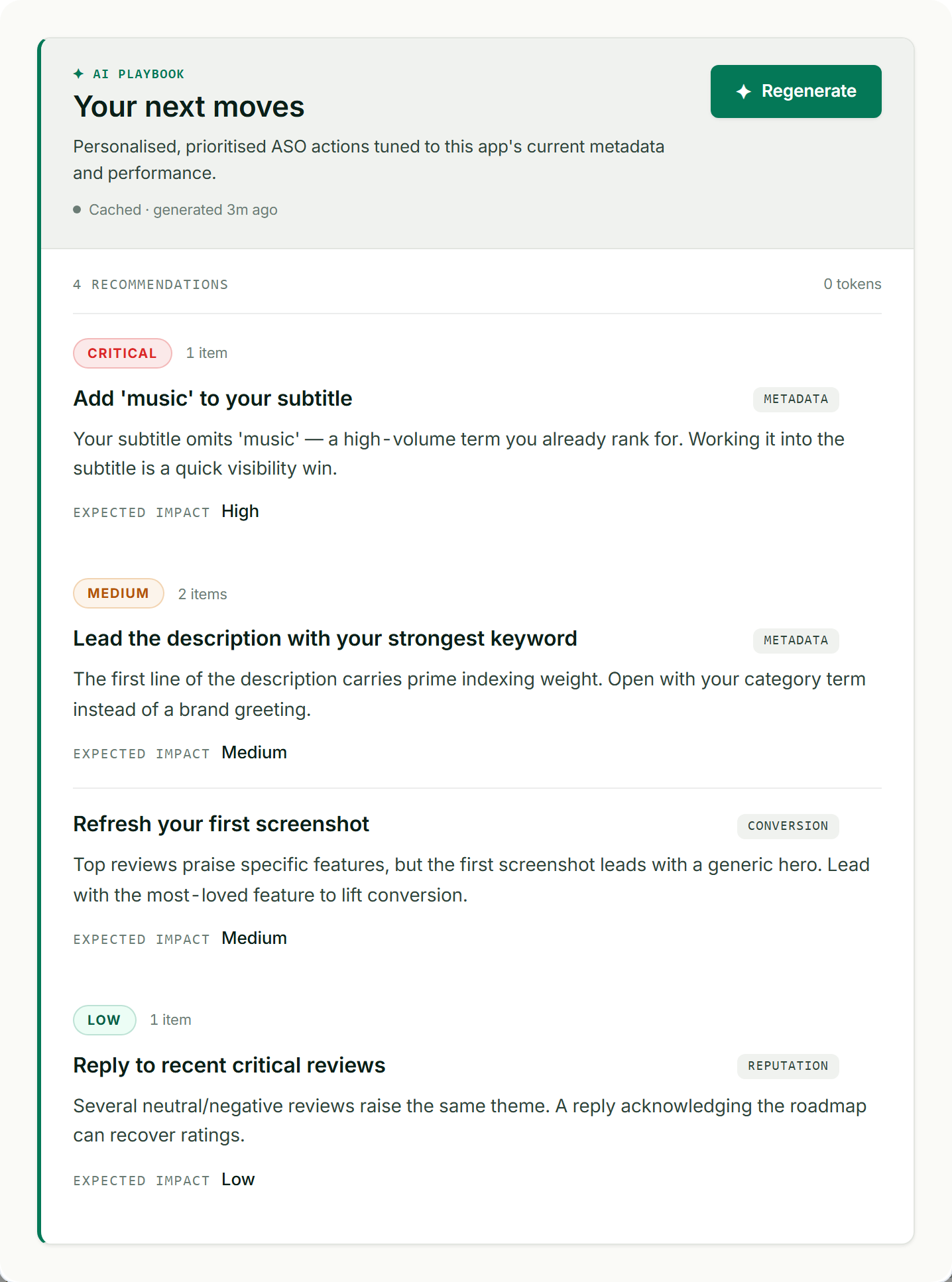
AI-assisted recommendations to sharpen your metadata, market by market.
Common description mistakes
- Keyword-stuffing the iOS description — it isn't indexed; you wasted the effort.
- Writing fluffy conversion copy into the Android description with no keywords — you left ranking value on the table.
- Burying the benefit below the first three lines, where most users never read.
- A wall of text with no structure — unscannable, unconvincing.
- Translating instead of localizing the Android description, so it carries the wrong keywords.
Frequently asked questions
Is the app description indexed for keywords?
It depends on the store. Google Play indexes the 4,000-character long description, so keywords there influence rankings. The Apple App Store does not index the description — it's conversion copy only. This is the single most important fact about the field: optimize the Android description for keywords and humans, and the iOS description for humans only.
How long should an app description be?
Both stores allow 4,000 characters, but length isn't the goal — clarity is. On iOS, the first ~3 lines matter most (only they show above the "more" fold), so front-load value. On Android, use the space to work in priority keywords naturally while staying scannable. A focused, benefit-led description beats a padded one on both stores.
Should I repeat keywords in my app description?
On Google Play, yes — work your priority keywords in naturally about 3–5 times, since the description is indexed and frequency is a soft signal (but don't stuff them, which reads as spam and can be discounted). On iOS, no — the description isn't indexed, so repetition is wasted; spend that keyword effort in your title, subtitle, and keyword field instead.
Can AI write my app store description?
AI can draft strong, native-sounding descriptions fast, including localized versions — but treat it as an assistant, not a strategist. You still choose the keywords (on Android) and the positioning, and you should edit AI output for accuracy, brand voice, and native fluency in important markets. Used that way, AI meaningfully speeds up description writing.
What's the difference between the iOS description and promotional text?
The promotional text (170 characters) sits above the description on the product page and can be updated without submitting a new app version — ideal for timely hooks like a sale or new feature. The description (4,000 characters) is longer-form conversion copy. Neither is indexed for keywords on iOS, so both are purely about persuading the reader to install.