App Ratings and Reviews: An ASO Strategy
Quick answer: App ratings and reviews are both a ranking factor and a major conversion factor on the App Store and Google Play. A higher star rating lifts where you rank and how many people install once they see you. Moving from roughly 4.2 to 4.6-4.7 stars typically improves conversion by 30-50%. You earn them by prompting at the right moment with the native in-app review request, replying to reviews (for trust, not ranking), and using review sentiment to fix whatever is generating the bad ones.
Last updated: June 2026.
Ratings and reviews are the part of App Store Optimization most teams treat as out of their control, and that's a mistake. You can't fake ratings, but you can systematically earn better ones, and the payoff hits both your rankings and your conversion rate at once. This guide covers how ratings affect ASO, how to ask the right way, what to do about replies (and what not to claim about them), and how to mine reviews for insight.
Why ratings and reviews matter for ASO
They work on two levels:
- Ranking. Ratings and review signals are an established factor in how both stores rank apps. Higher-rated apps tend to rank better for the same terms, and the store's 2026 lean toward quality and engagement signals only raises the stakes (see what changed in ASO for 2026).
- Conversion. Your star rating is one of the first things a user sees in search results and on your product page. It's a trust shortcut, and it moves installs hard.
The rating math
The conversion impact is large and well-documented: lifting an app from about 4.2 to 4.6-4.7 stars typically improves conversion rate by 30-50% at the same chart position. That's a bigger swing than most metadata changes, from a single underlying improvement. Star rating is also a threshold game: users mentally bucket "4.5+" as good and "below 4" as risky, so small movements across those lines matter more than the raw decimal.
How to ask for ratings the right way
Most ratings come from prompting, but how and when you prompt decides whether you get 5-star or 1-star prompts answered.
- Use the native in-app review prompt (Apple's
SKStoreReviewController/ Google's In-App Review API). It lets users rate without leaving your app and respects per-user limits. Don't send people to the store page to rate: you'll lose most of them. - Time it to a "win." Ask right after the user succeeds at something in your app (completed a workout, hit a streak, finished an export), not on launch and not mid-task. A happy moment produces happy ratings.
- Don't beg, gate, or bribe. Both stores prohibit incentivizing ratings or blocking features behind a rating. "Rate us to continue" is against the rules and produces resentful reviews.
- Ask again after meaningful updates. A user who churned on an old version may rate well after you fixed their complaint.
Replying to reviews
Reply to reviews, especially negative ones. But be precise about why, because this is widely oversold:
A developer reply is NOT a ranking signal. It does not boost your keyword rankings on either store. Any tool or post that claims replying "improves ASO" or "boosts your ranking" is wrong. The real value is:
- Reputation. Future readers see that you respond and care.
- Recovery. A thoughtful reply to a 1-star review often gets the user to update their rating.
- Retention. Users who feel heard are less likely to churn.
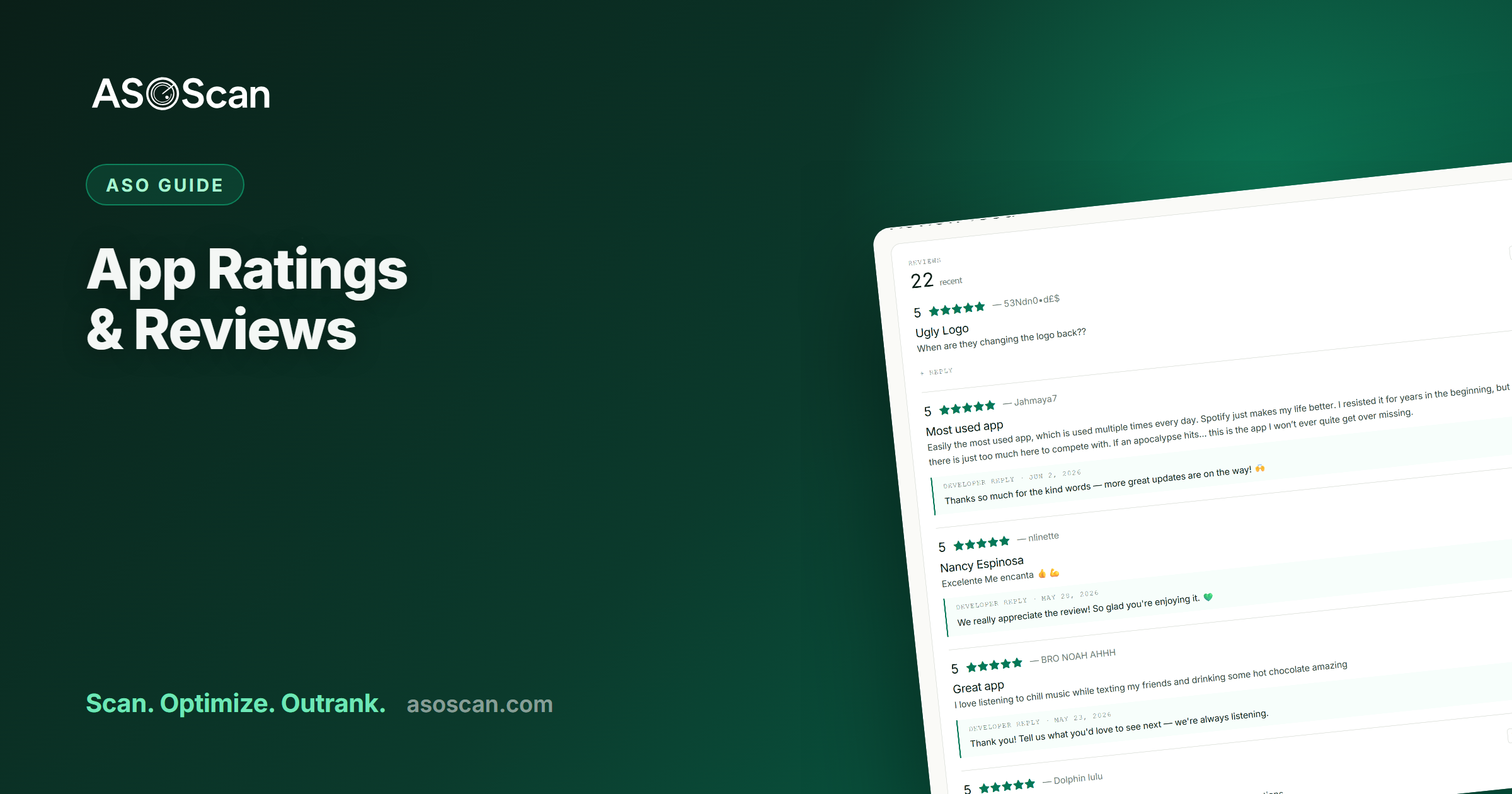
Reply in the reviewer's own language, address the specific issue, and where it fits naturally, mention the relevant feature. That's exactly what ASOScan's review analytics helps with (it drafts replies in the reviewer's language). Frame it as customer care, never as a ranking play.
Review velocity and recency matter
A trickle of recent reviews beats a pile of old ones. Stores and users both weight recency, and an app that stopped getting reviews looks abandoned. Keep the native prompt firing at good moments so your review stream stays fresh, and so a handful of recent bad reviews can't dominate the page.
Mine your reviews for product and ASO insight
Reviews are the cheapest user research you'll ever get. Read them for:
- Recurring complaints: the friction generating your low ratings. Fix the top one and your rating climbs.
- Feature requests: what users wish you had (and the words they use for it, which are keyword candidates).
- The language users actually use to describe your app: gold for metadata and keyword research.
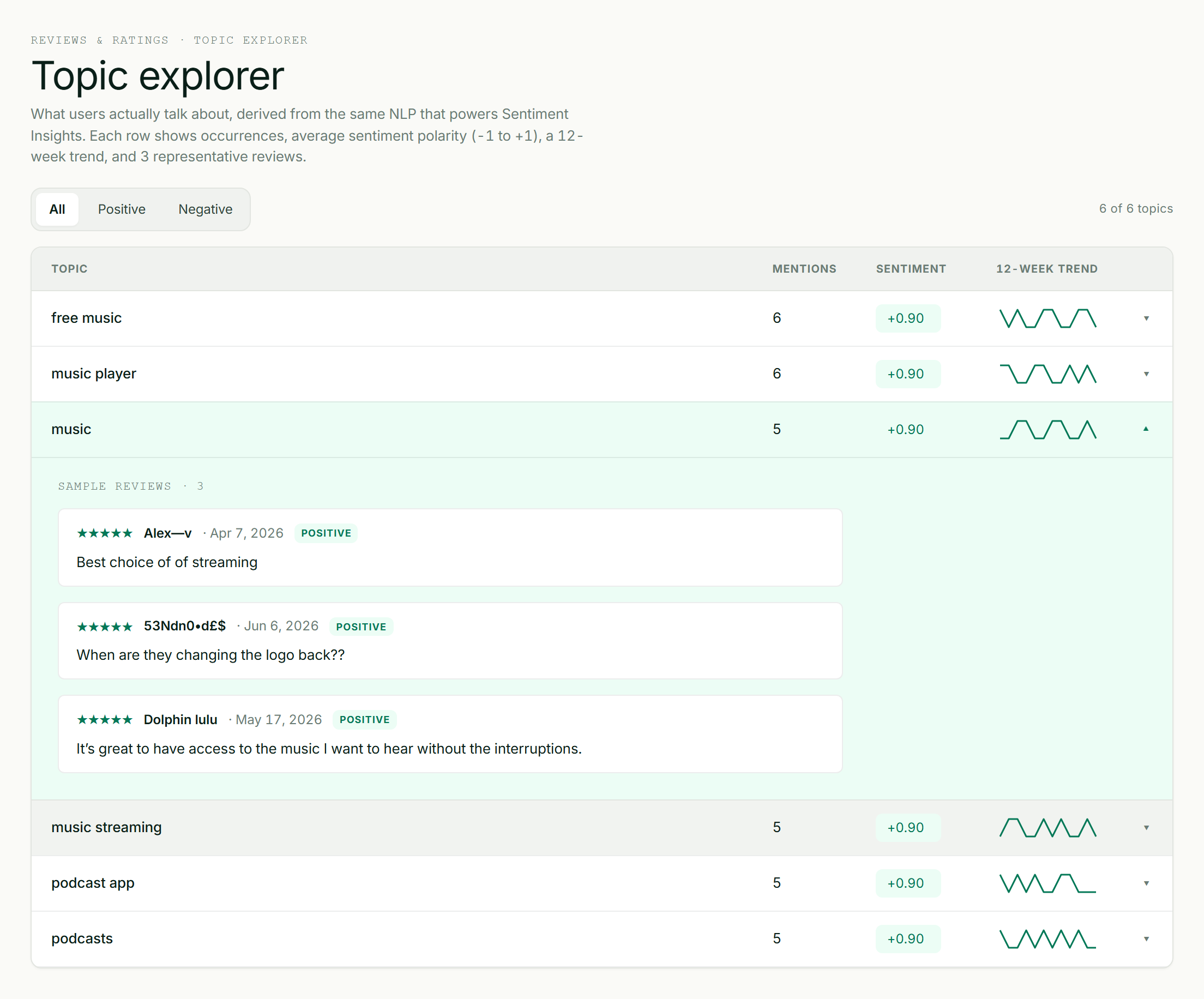
Review sentiment grouped into themes: the fastest way to find what's driving your ratings.
Doing this by hand across hundreds of reviews is impractical, which is why sentiment analysis exists: it groups reviews into themes (and flags bugs and feature requests) so you can see the pattern, not just individual reviews.
Handling negative reviews
- Triage by theme, not by review. Ten reviews about the same crash are one problem, not ten.
- Fix, then reply. "We fixed this in 2.4, thanks for flagging it" is far stronger than an apology with no action.
- Don't argue. Future readers are the real audience; a defensive reply hurts you more than the original review.
Common mistakes
- Prompting at launch or mid-task instead of at a win: you catch users while they're frustrated.
- Incentivizing or gating ratings: against store rules, and it backfires.
- Sending users to the store page to rate instead of using the native prompt: huge drop-off.
- Treating replies as a ranking tactic: they aren't; the value is trust and retention.
- Never reading reviews for product signal: you're throwing away free research.
Frequently asked questions
Do app ratings affect App Store ranking?
Yes. Ratings and review signals are an established ranking factor on both the App Store and Google Play, and higher-rated apps tend to rank better for the same terms. Ratings also strongly affect conversion (the rate at which people install after seeing you), so they influence rankings both directly and indirectly via install velocity.
Does replying to reviews help ASO or rankings?
No. A developer reply is not a ranking signal on either store, and anyone claiming it "boosts your ASO" is overselling it. Replying is still worth doing: it recovers unhappy users (who often raise their rating), builds trust with future readers, and improves retention. Treat it as customer care, not an ASO tactic.
How do I get more app ratings?
Use the native in-app review prompt (not a link to the store page) and trigger it right after a user succeeds at something in your app: a completed task, a streak, a win. Don't prompt on launch, mid-task, or by incentivizing/gating, all of which produce worse ratings or violate store rules. Ask again after updates that fix past complaints.
How much does a higher rating increase downloads?
A lot, via conversion: moving from roughly 4.2 to 4.6-4.7 stars typically lifts conversion rate by 30-50% at the same position, because the star rating is a trust shortcut users scan before installing. Combined with the ranking benefit of higher ratings, improving your rating is one of the highest-leverage ASO moves available.
Should I respond to negative reviews?
Yes, fix the underlying issue first, then reply concretely ("fixed in version 2.4, thanks for flagging"). The reply's audience is every future reader, not just the original reviewer, so stay constructive and never argue. It won't change your ranking, but it recovers users, raises some ratings, and shows prospects you're present.