App Store A/B Testing: Custom Product Pages & Store Listing Experiments
Quick answer: App store A/B testing means showing different versions of your listing's creatives to separate groups of users and keeping the version that converts better. Apple offers Product Page Optimization (test up to three variants of your icon, screenshots, or preview video) plus Custom Product Pages; Google Play offers Store Listing Experiments (test the icon, screenshots, descriptions, feature graphic, and video). The rules that make a test valid: change one variable at a time and wait for statistical significance before you decide.
Last updated: June 2026.
Creative decisions — which icon, which first screenshot, which caption — have a bigger effect on installs than almost anything else on your listing, and they're the easiest to get wrong by guessing. A/B testing replaces opinion with data. This guide covers both stores' native testing tools, how they differ, and how to run a test you can actually trust. It builds on the App Store Optimization guide and the screenshots guide.
What app store A/B testing is
A store A/B test splits your incoming traffic, shows each group a different creative variant, and measures which converts more installs. Both Apple and Google run these tests on the live store, using real traffic — you don't need a separate tool to get statistically meaningful results.
Why test instead of guess
Conversion is a multiplier on every install source. A variant that lifts your conversion rate from 2% to 2.4% is a 20% increase in installs from the same traffic — permanently, for the cost of one test. And intuition about creatives is famously unreliable: the screenshot the team loves often loses to the plain one. Testing is how you stop paying for opinions.
Apple: Product Page Optimization (PPO)
Apple's built-in A/B test. In App Store Connect you create up to three treatments and run them against your current ("default") product page:
- What you can test: icon, screenshots, and app preview video.
- How it works: Apple shows each treatment to a percentage of your App Store traffic and reports conversion per variant over the test period.
- Icon caveat: testing an alternate icon requires shipping the icon variants in your app binary.
PPO is the right tool for "which creative converts best." Run it continuously — there's almost always a next thing to test.
Apple: Custom Product Pages (a different tool)
Custom Product Pages (CPPs) aren't A/B tests — they're targeted alternate pages (different screenshots, preview, promotional text) for specific audiences or search intents. They matter here because, since 2025, CPPs became far more powerful: up to 70 per app, able to appear in organic search for keywords you assign, not just behind ads or links. Use PPO to find your best general creative, and CPPs to tailor pages to specific intents. Full detail in what changed in ASO for 2026.
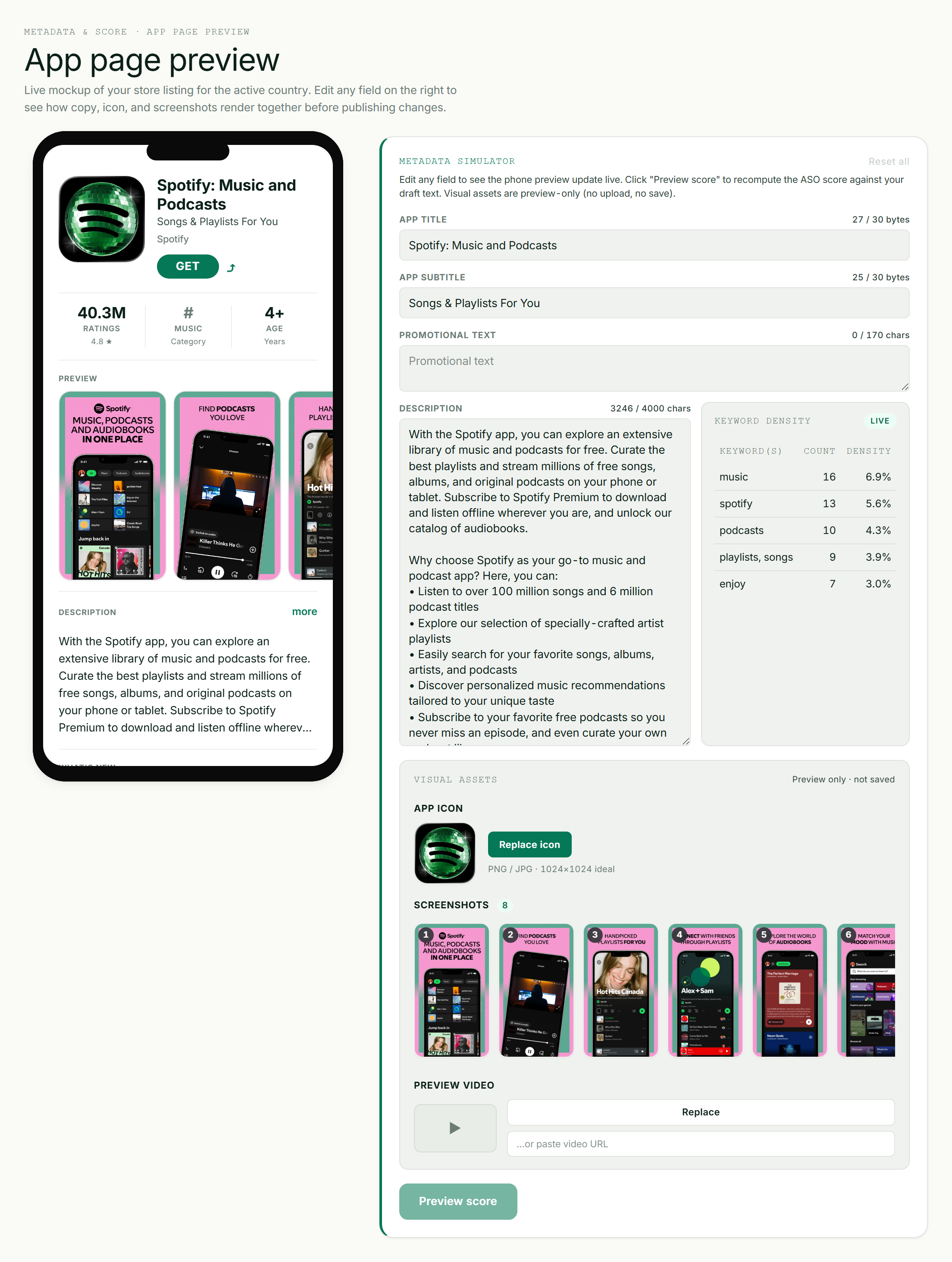
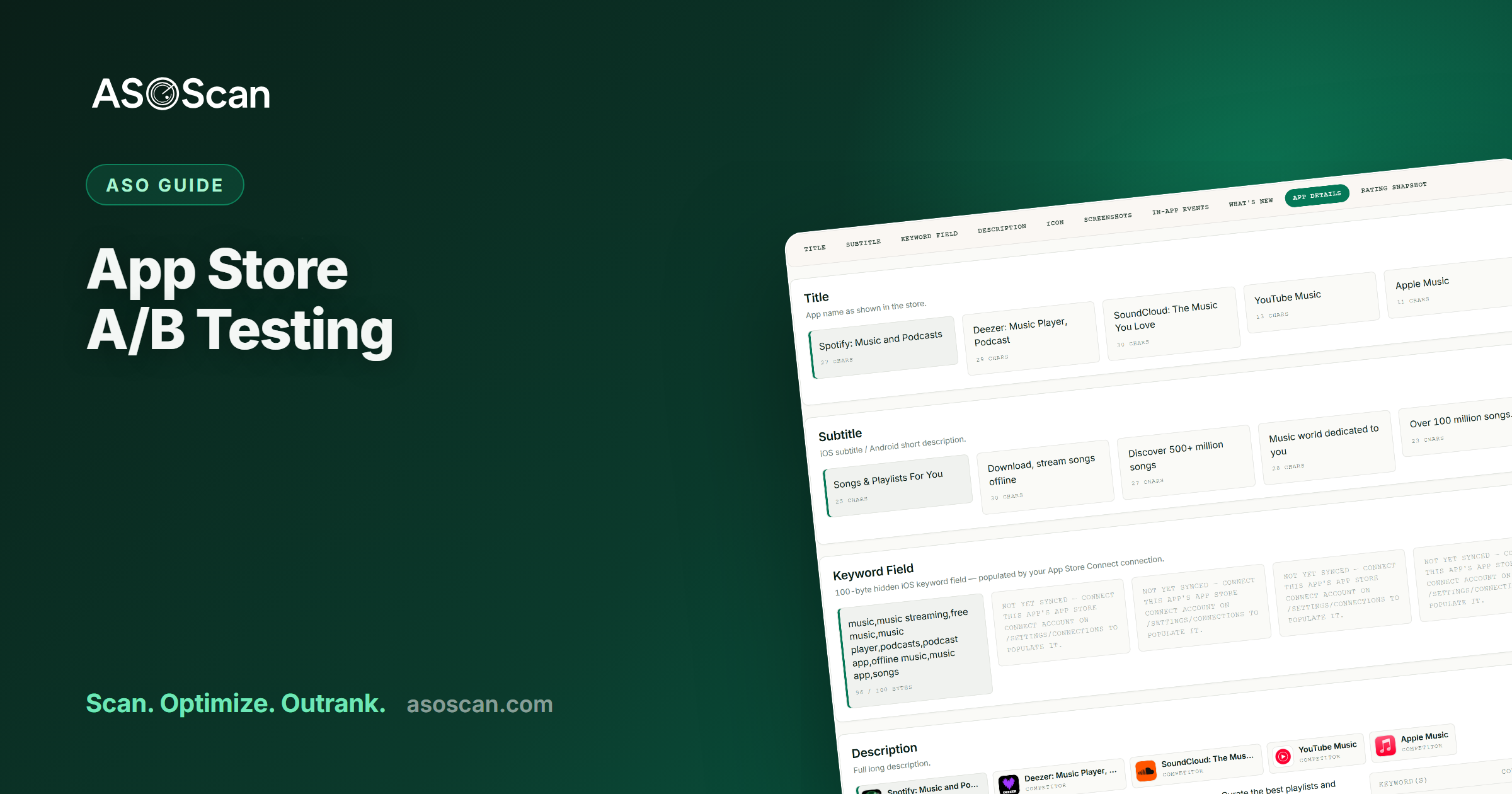
Preview metadata and listing changes before you commit them to a live test.
Google Play: Store Listing Experiments
Google's equivalent, and broader in what it lets you test:
- What you can test: app icon, screenshots, feature graphic, preview video, and the short and long descriptions (Google lets you test text, which Apple's PPO does not).
- Where: on your main store listing (a limited number of concurrent experiments) and on custom store listings, which unlock many more variants targeted by country, install state, or keyword.
- How it works: Google splits traffic, runs the experiment to significance, and recommends a winner you can apply.
iOS vs Android A/B testing at a glance
| Apple (PPO) | Google Play (Experiments) | |
|---|---|---|
| Test icon | Yes (variants must ship in the binary) | Yes |
| Test screenshots / preview | Yes | Yes |
| Test description text | No | Yes (short + long) |
| Concurrent variants | Up to 3 treatments | A few on the main listing; more via custom listings |
| Targeted alternate pages | Custom Product Pages (now organic) | Custom Store Listings (organic by country/keyword) |
How to run a test you can trust
- One variable at a time. Test a new first screenshot or a new icon — not a whole new set. If you change everything, a win tells you nothing about why.
- Form a hypothesis. "Leading with the 'save time' benefit will beat the 'feature list' screenshot." A test without a hypothesis is just noise.
- Give it enough traffic and time. Low-traffic listings need longer to reach significance. Don't run so long that seasonality skews it, but don't stop at the first promising day either.
- Wait for statistical significance. Both stores report it. Don't "peek" and call a winner early — early leads reverse constantly.
- Apply, then test the next thing. ASO creative testing is a loop, not a one-off.
What to test first
Roughly in order of impact:
- The first screenshot — the highest-leverage single asset.
- The icon — it appears everywhere you're listed.
- The preview video (or whether to have one at all).
- Screenshot order and captions.
- Description text (Google Play only).
A note on simulators vs live tests
Tools that preview a metadata or creative change — including ASOScan's keyword simulator and metadata preview — are useful for catching mistakes and modelling keyword coverage before you ship. They are not a substitute for a live A/B test: only real store traffic tells you what actually converts. Use a simulator to decide what's worth testing, then test it with PPO or Store Listing Experiments.
Common A/B testing mistakes
- Changing multiple variables at once — you can't attribute the result.
- Calling a winner early ("peeking") before significance — early leads flip.
- Testing on too little traffic and trusting noise.
- Running so long that a holiday or campaign skews the result.
- Testing creatives but never the first screenshot — the highest-impact asset.
- Treating a preview/simulator as a test — it models, it doesn't measure conversion.
Frequently asked questions
Can you A/B test on the App Store and Google Play?
Yes — both have native tools. Apple's Product Page Optimization tests up to three variants of your icon, screenshots, and preview video. Google Play's Store Listing Experiments test those plus your short and long description text. Both split live traffic and report a statistically significant winner.
What's the difference between Apple PPO and Custom Product Pages?
Product Page Optimization is an A/B test to find your best general creative. Custom Product Pages are targeted alternate pages for specific audiences or search intents — and since 2025 they can appear in organic search for keywords you assign. Use PPO to optimize the default page and CPPs to tailor pages to intents.
How long should an app store A/B test run?
Long enough to reach statistical significance, which depends on your traffic — low-traffic listings take longer. Don't stop at the first promising result (early leads reverse), and don't run so long that seasonality or a marketing campaign skews it. Let the store's significance indicator, not the calendar, decide.
Can I test my app's title or keywords?
On Google Play you can test description text (and effectively some titling via custom listings). On Apple, PPO tests creatives only — not the title, subtitle, or keyword field. For text-field ASO on iOS, you change it and watch your keyword rankings rather than running a formal A/B test.
Is a metadata simulator the same as A/B testing?
No. A simulator models what a metadata change would do (for example, which keywords a draft covers) before you ship it — useful for avoiding mistakes. A/B testing measures what real users actually do. Use a simulator to choose what to test, then run a live test to learn what converts.