

The ASOScan playbook
Ten steps to rank higher on the App Store and Google Play: what to do, and where to find it in ASOScan.


App Store Optimization (ASO) is the work of making your store page easy to find and easy to choose. You pick the words people search for and put them in the right fields. Then you keep your page better than the apps next to it. ASOScan does the research for you. It captures your store page every day, checks it against the rules of each store, and tells you what helps your ranking and what does not. You make the decisions.
How ASOScan works
ASOScan collects
Every day, in every market you track, ASOScan reads your store page and your rank for each keyword. It also reads the store pages of your competitors and your new reviews.
ASOScan works it out
It turns that data into an ASO score, a ranked list of keyword opportunities with volume and difficulty, and recommendations to improve your rank. It also finds competitor changes and the main topics in your reviews.
You decide and change
You choose what to change, test it in the simulators, and publish it in App Store Connect or Google Play Console.
Then the loop starts again. The data updates live in the app, so you do not need to refresh the page.
The playbook in ten steps
Do the steps in order the first time. Steps 1 to 6 take one sitting. Steps 7 to 10 are the habits that keep your page ahead after that.
In ASOScanDashboard › Add app
Paste the link to your app on the App Store or Google Play. Then pick the markets you want to track, and the competitors you want to watch. ASOScan suggests competitors from the similar apps that the store shows next to yours, and you can paste any other store link. If your app is on both stores, link the two versions as one product. Together they use one app slot on your plan. Your ASO score and your first recommendations are ready in about a minute. Your keyword opportunities start to appear a few minutes later.
In ASOScanApp insights › ASO ReportApp insights › ASO Recommendations
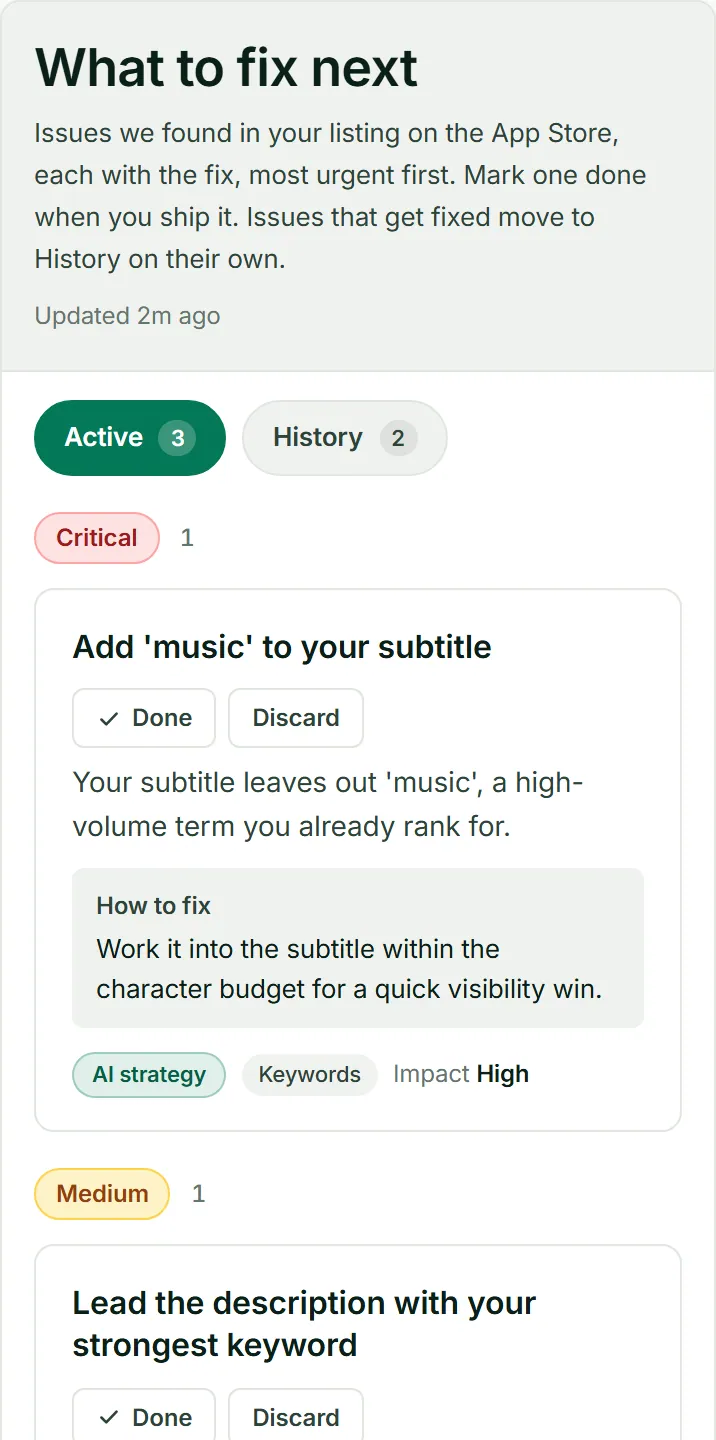
The ASO Report shows your store page field by field, next to your competitors, with your score and its history. ASO Recommendations is a list of fixes made from your real metadata and ratings, with the critical fixes at the top. The checks follow the rules of each store. On the App Store they look at your subtitle and keyword field. On Google Play they look at your short and full description. Start at the top of the list and work down.
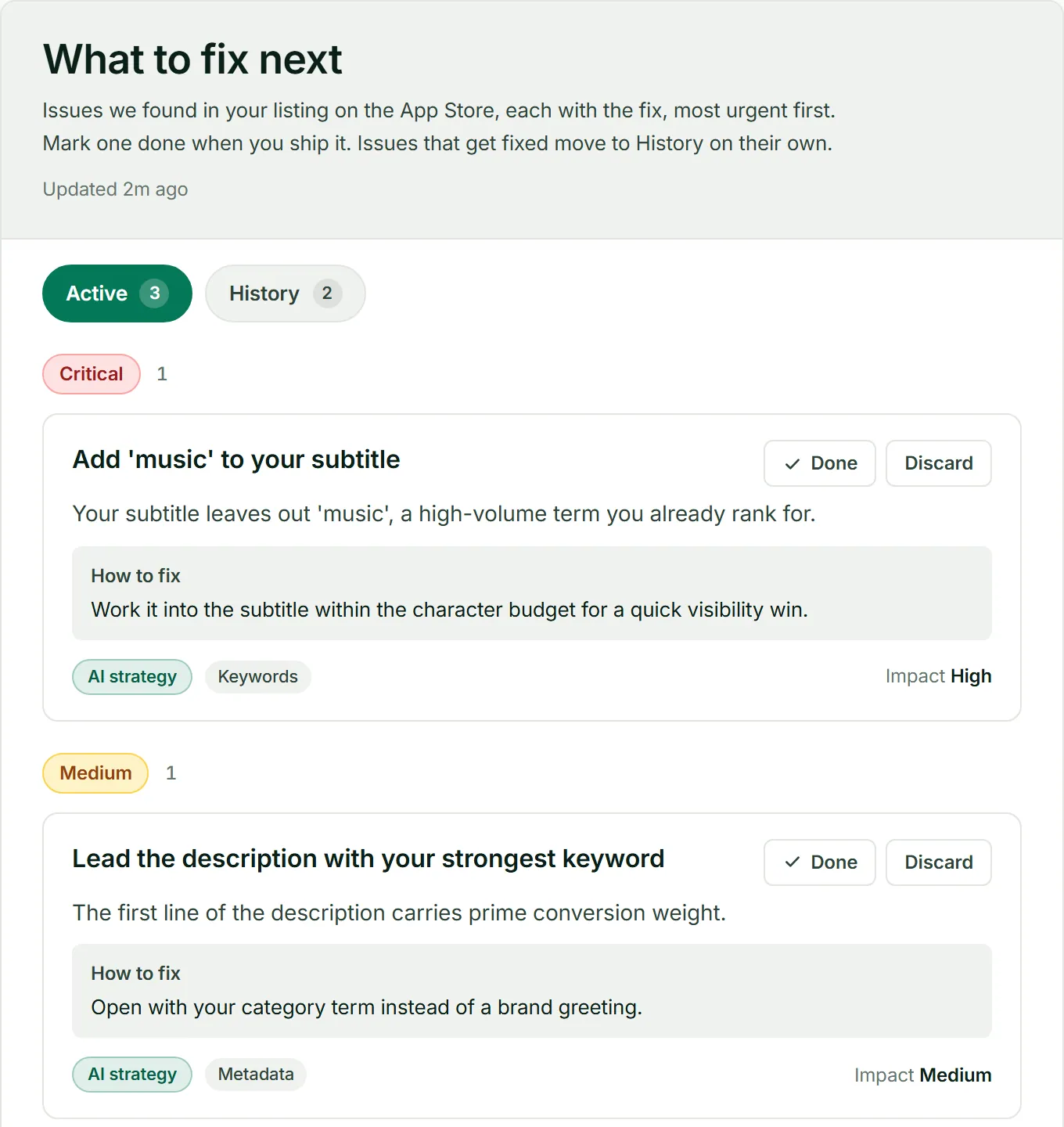
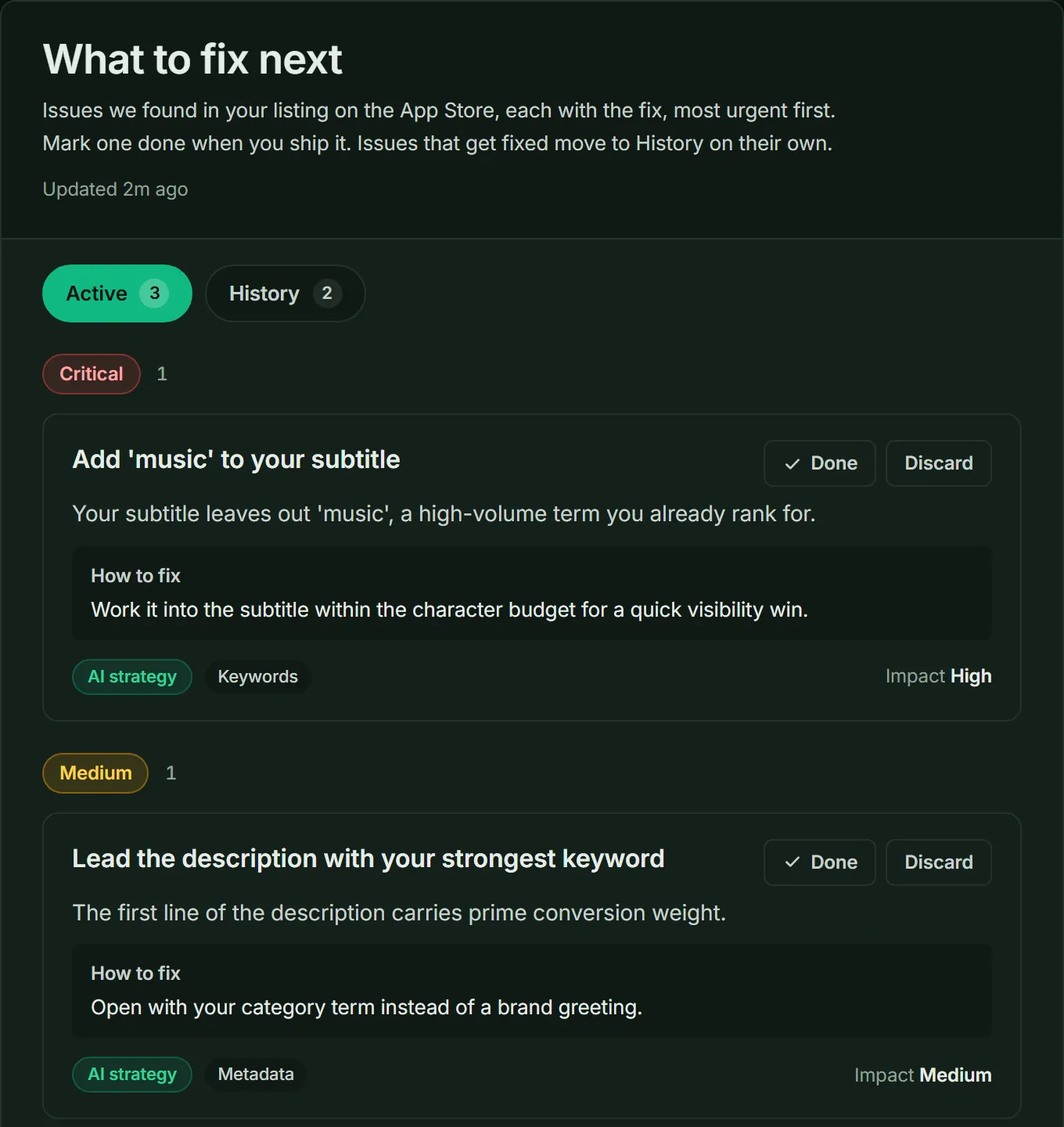
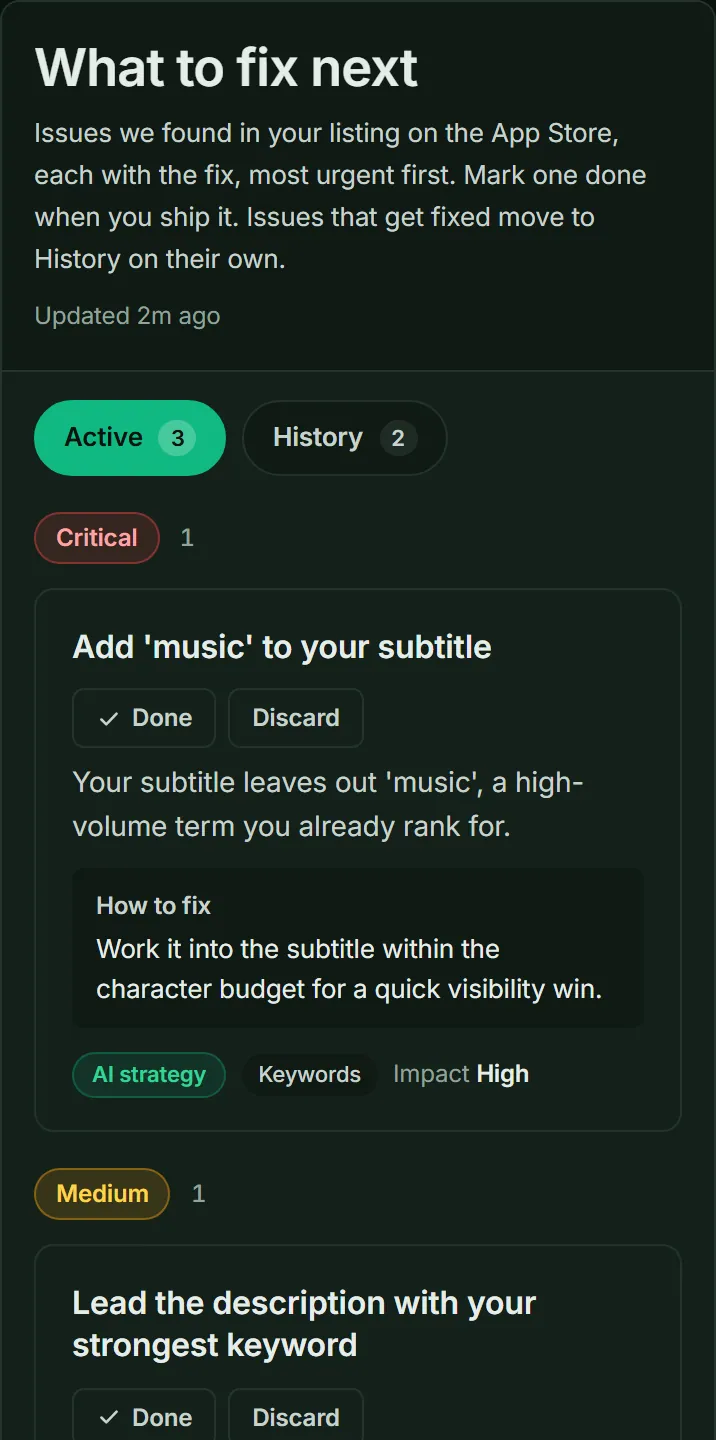
ASO Recommendations: each fix with how to do it, the most urgent first. In ASOScanKeywords › Tracked Keywords
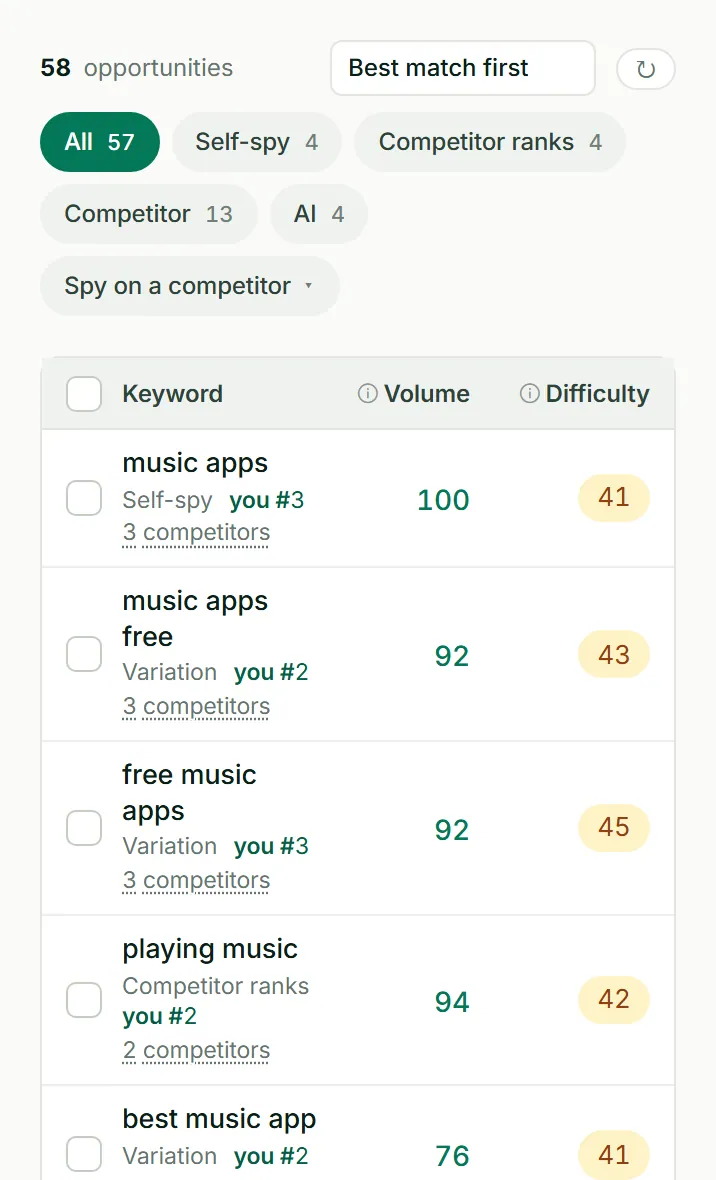
A keyword is a word or phrase that people type into the store search. Click Pick keywords for me to get a starting list. Then open your keyword opportunities: one ranked list from six sources, which are your metadata, your competitors, AI, Google Suggest, store data and trends. Each keyword shows its monthly search volume and its difficulty, so you can pick keywords that people search for and that you can win.
Start with keywords that have real searches and low difficulty. Move to harder keywords when you rank for the easy ones.
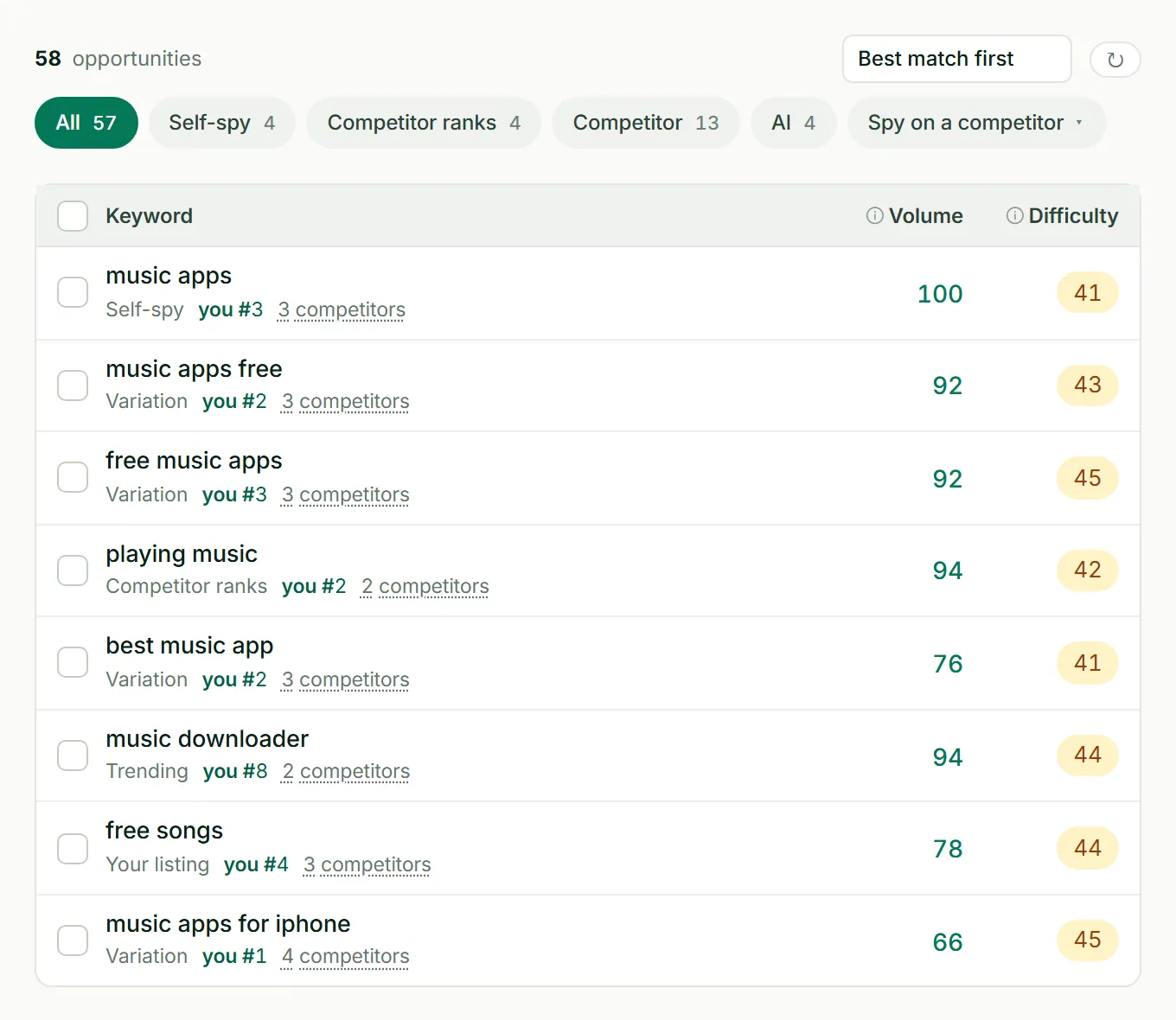
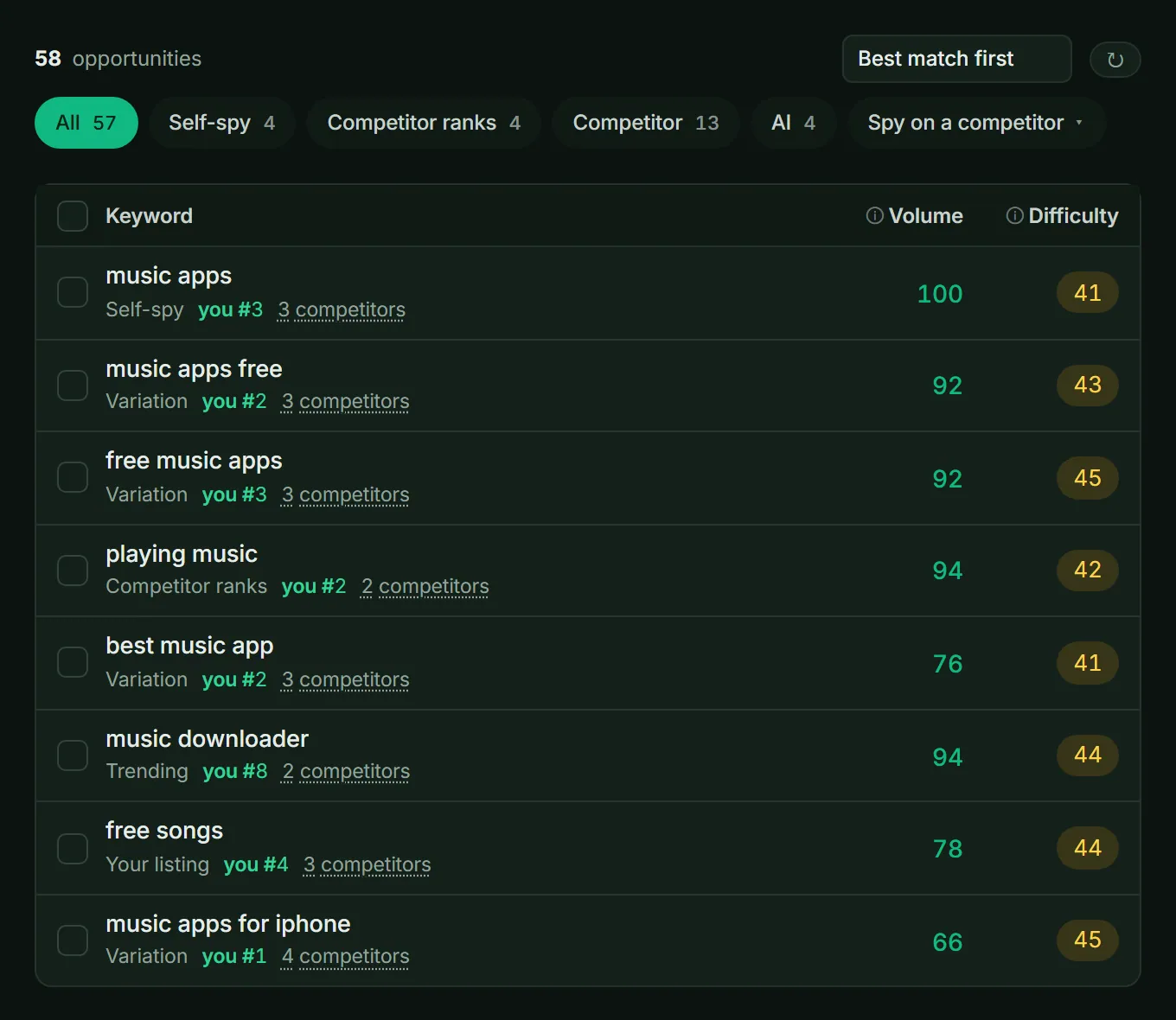
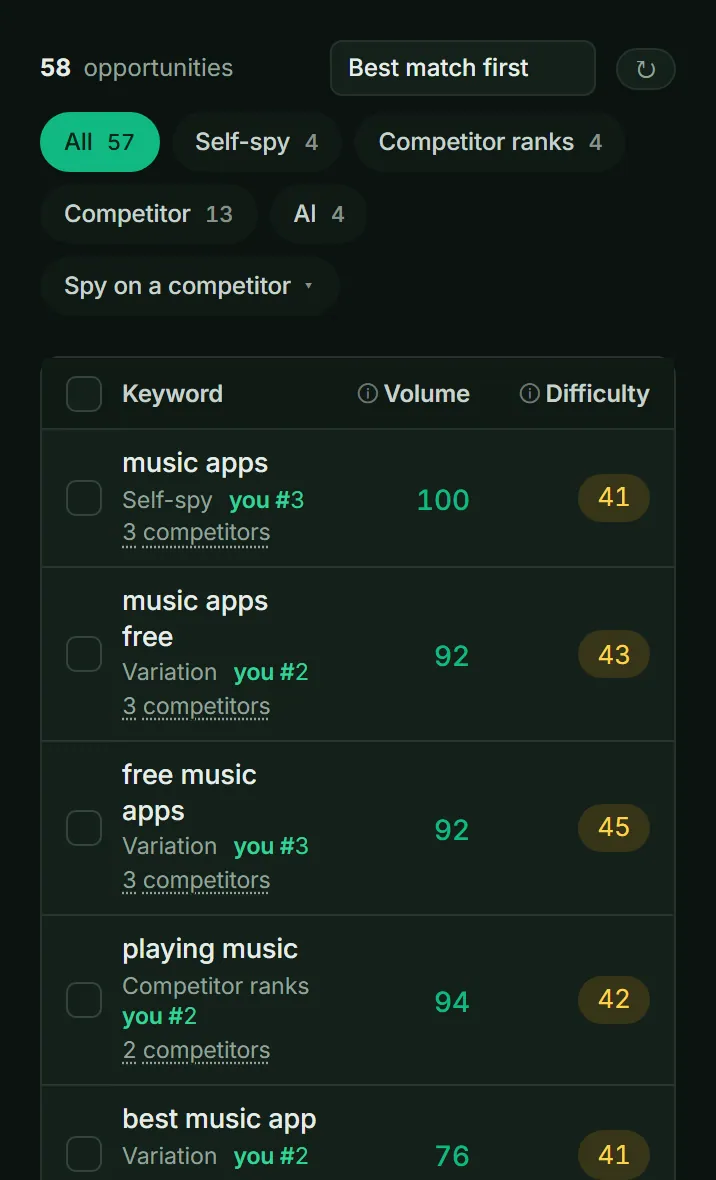
Keyword opportunities: new keywords with their source, search volume and difficulty. In ASOScanAdd keywords › Spy on a competitorApp Listing › ChangelogCompetitors & Market › Update Frequency
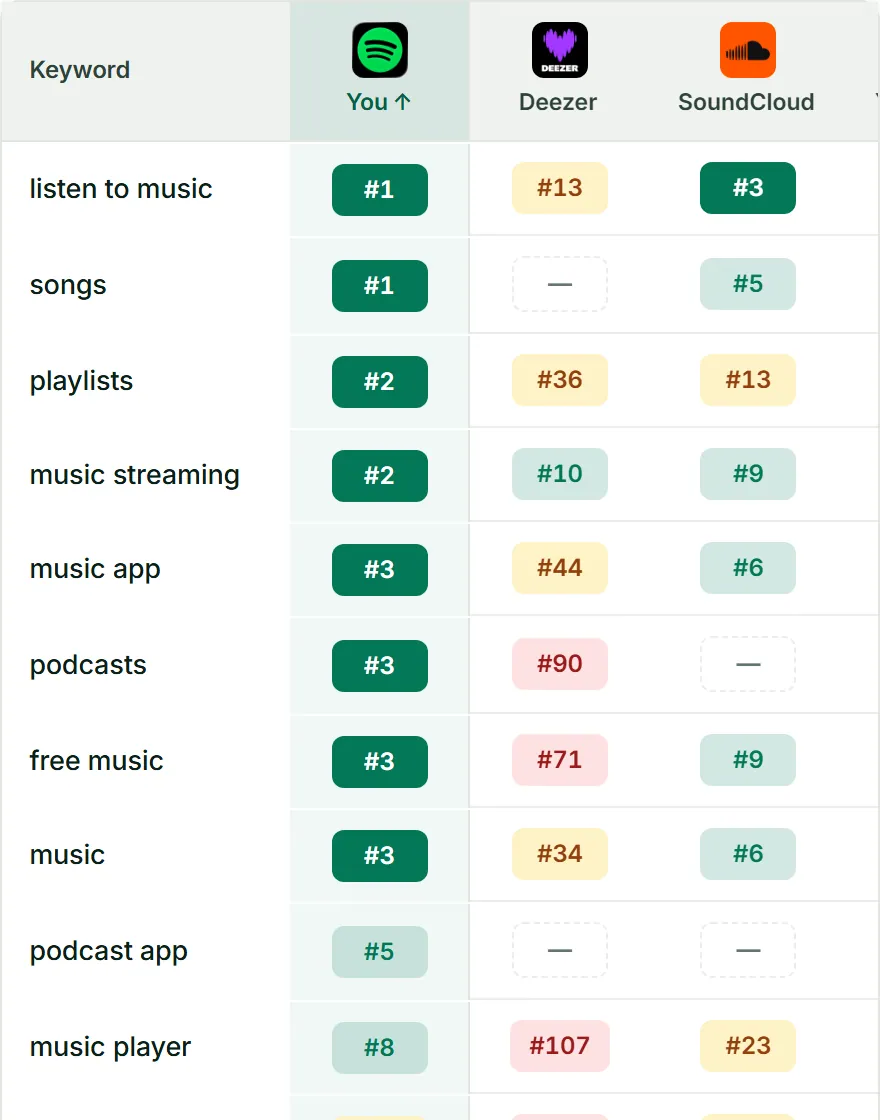
Pick a competitor in Keyword Spy, and ASOScan finds keywords that competitor ranks for. Add the good ones to your own list. The Changelog shows each change your competitors make to their title, subtitle and description, word by word, with the date. Update Frequency shows how often each of them ships. An alert tells you when a competitor changes their metadata.
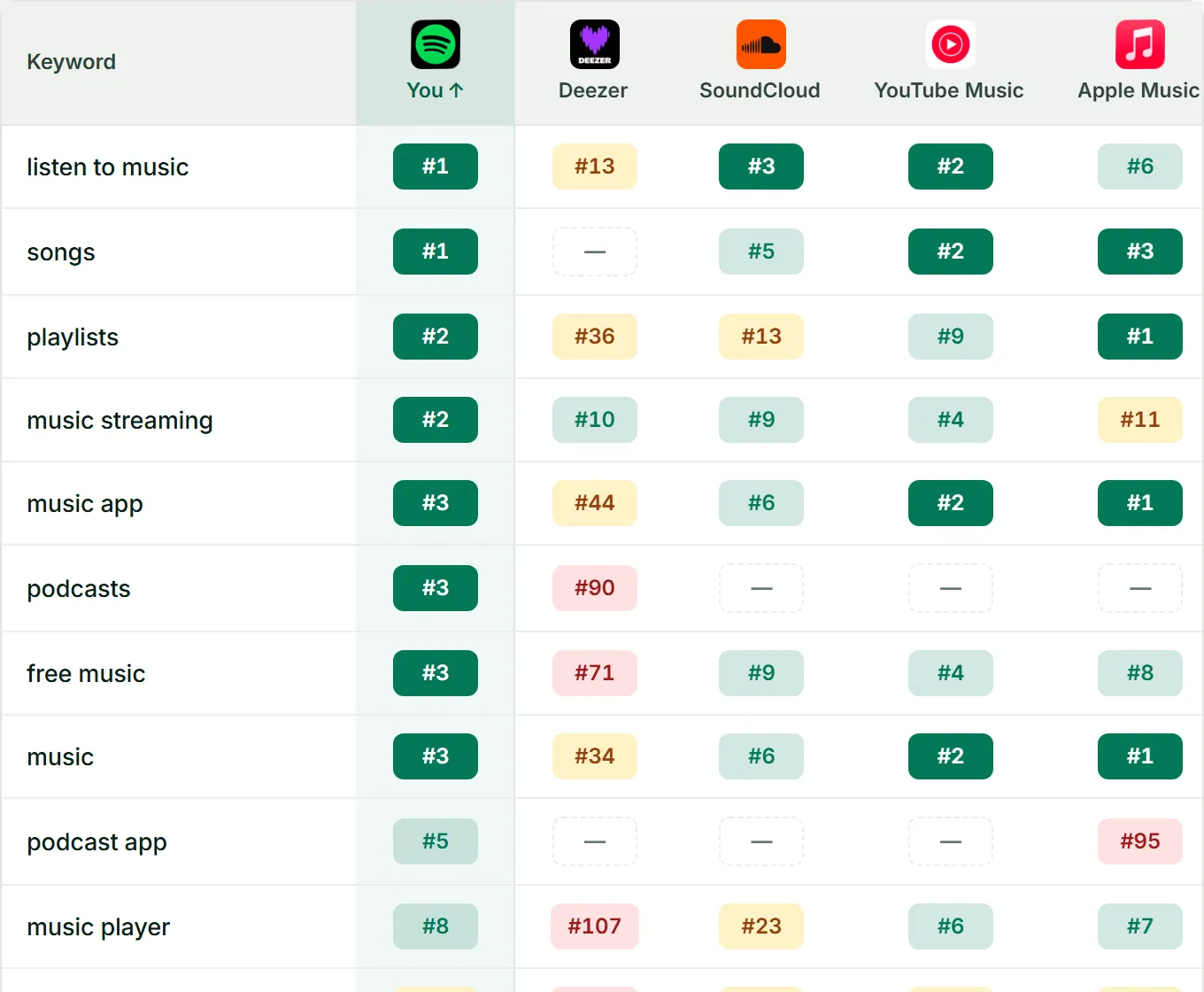
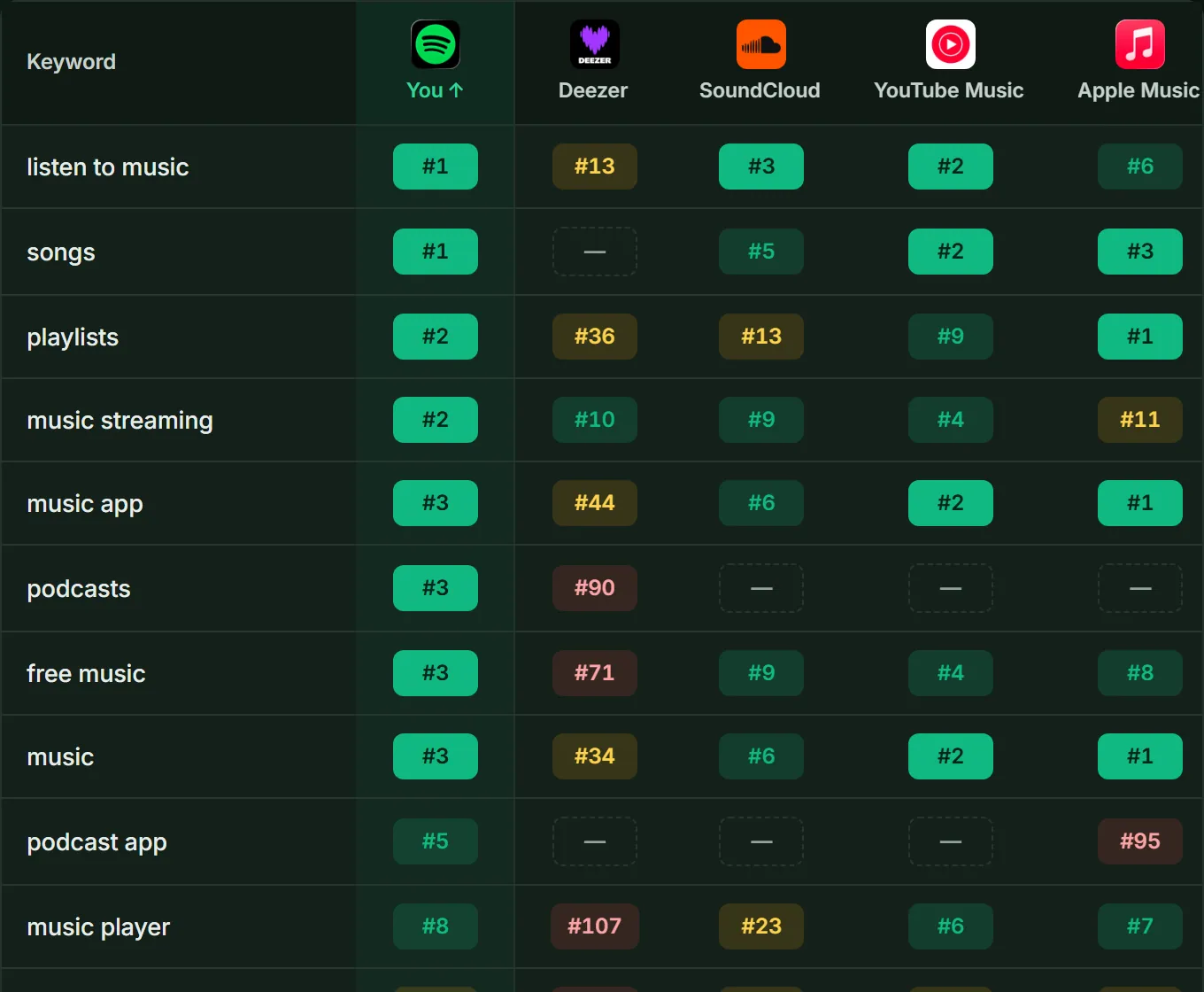
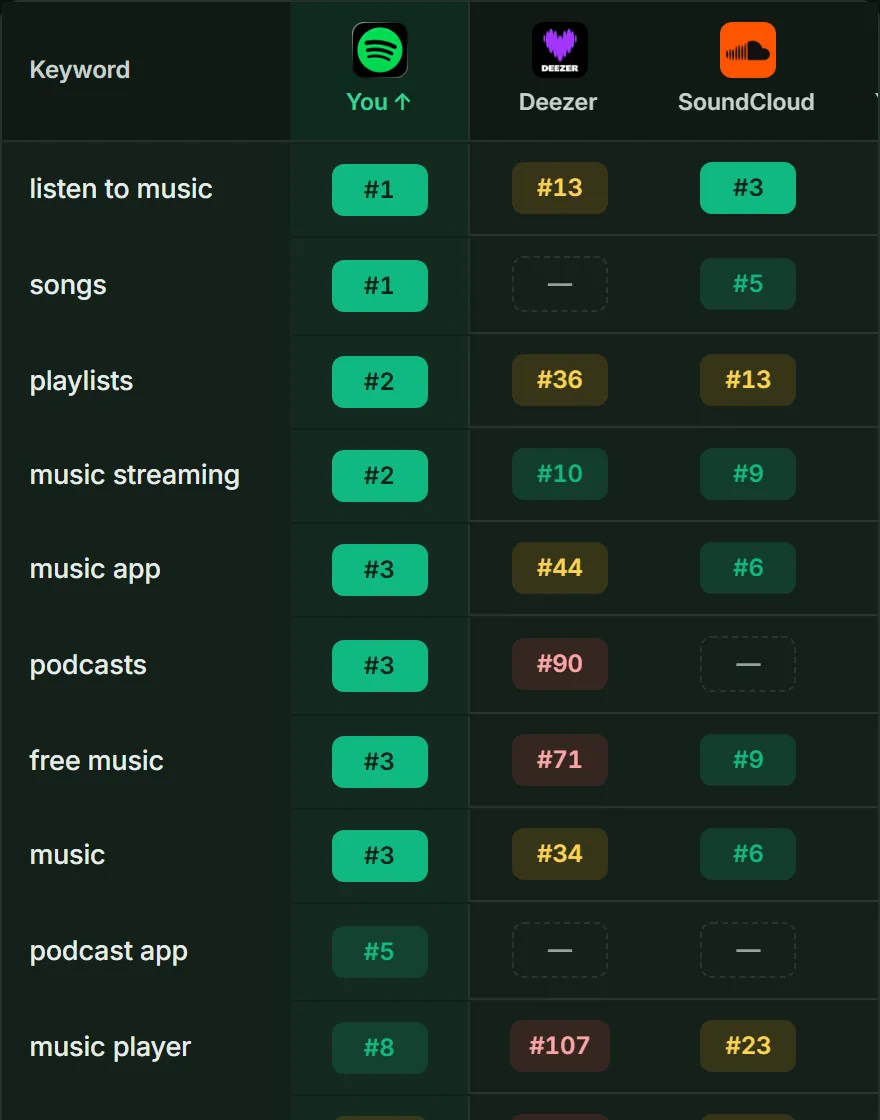
The Position Map shows where you rank next to each competitor, keyword by keyword. In ASOScanKeywords › Keyword SimulatorApp Listing › Localization
Put your most important keywords in the fields that the store reads for search. On the App Store, these are the name, the subtitle and the hidden keyword field. On Google Play, these are the title, the short description and the full description. In the Keyword Simulator, the AI writes two new versions of your metadata in the language of your market. It always keeps your brand name.
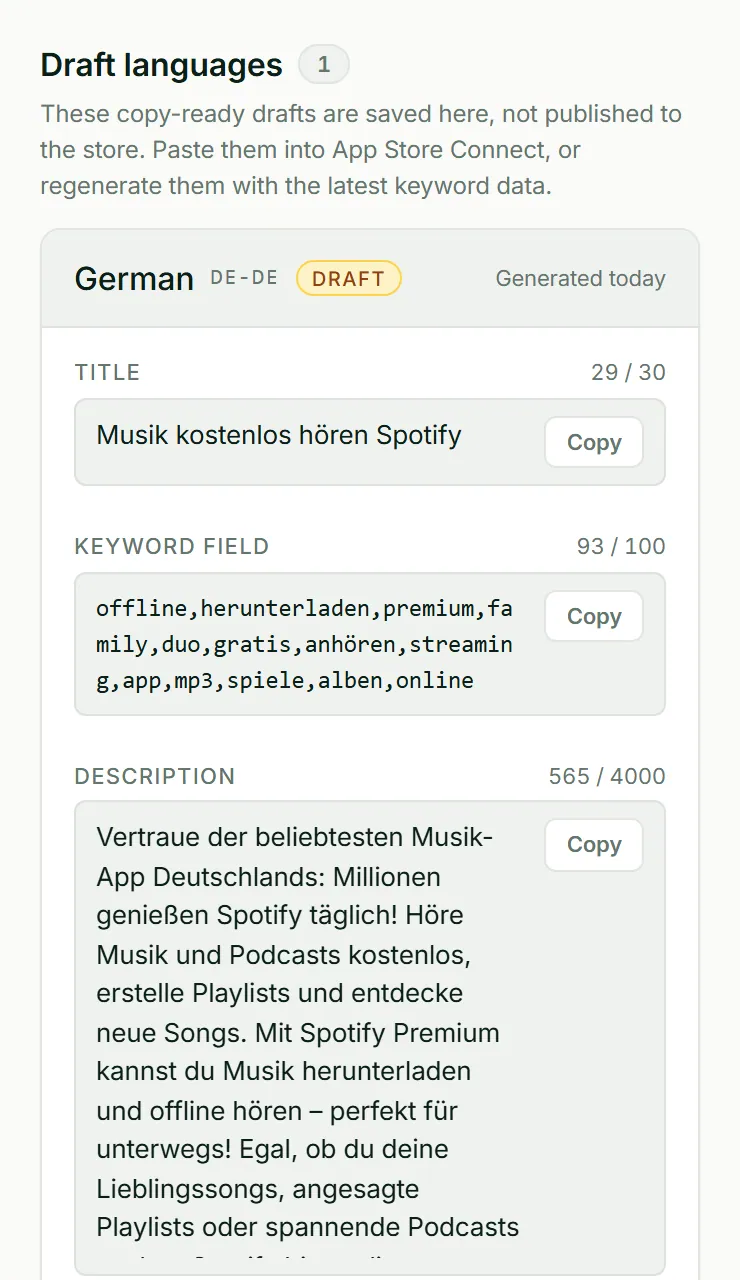
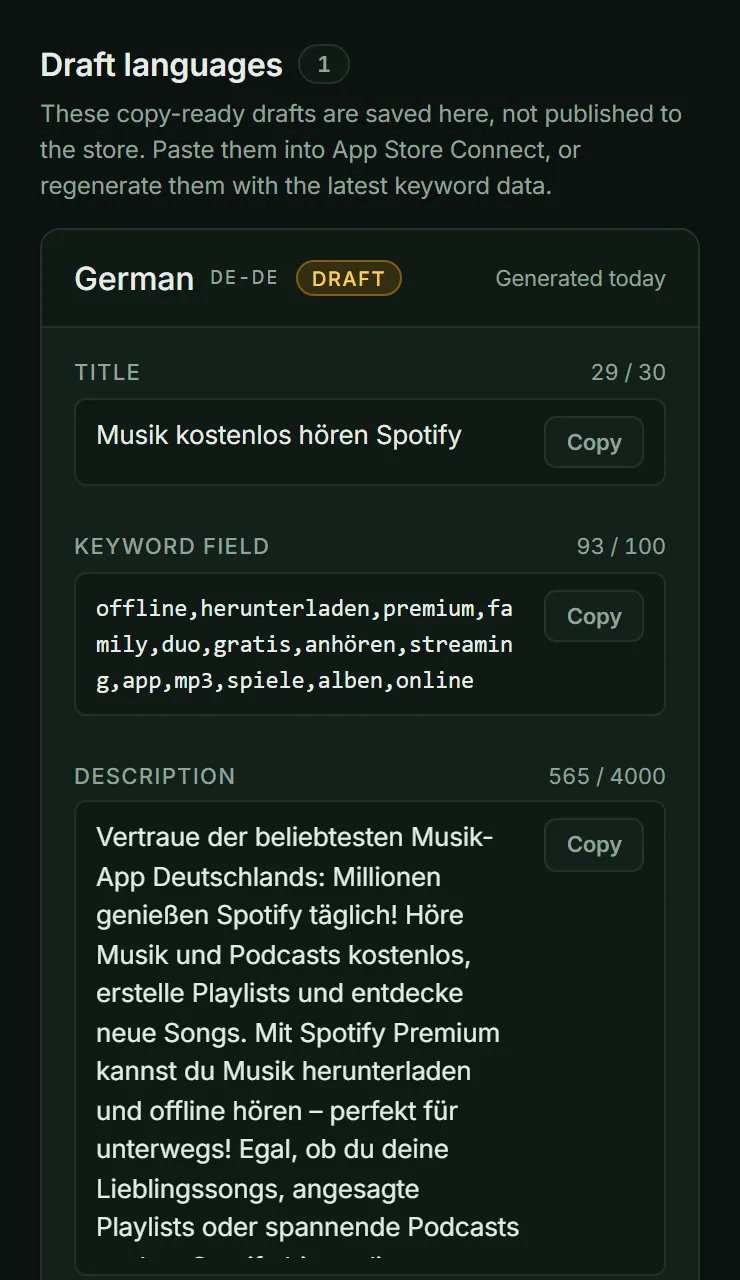
A German page from ASOScan reads like German, not like a translation.
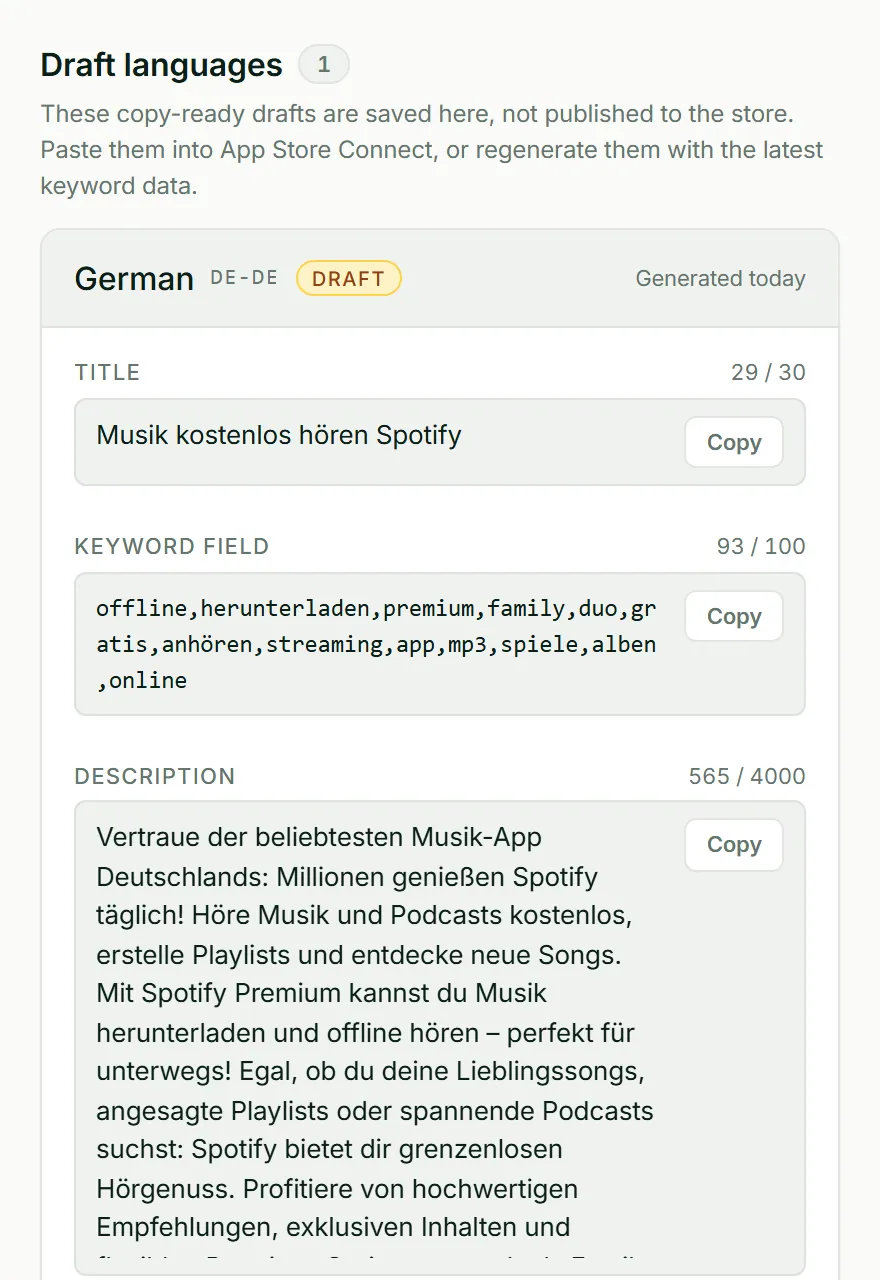
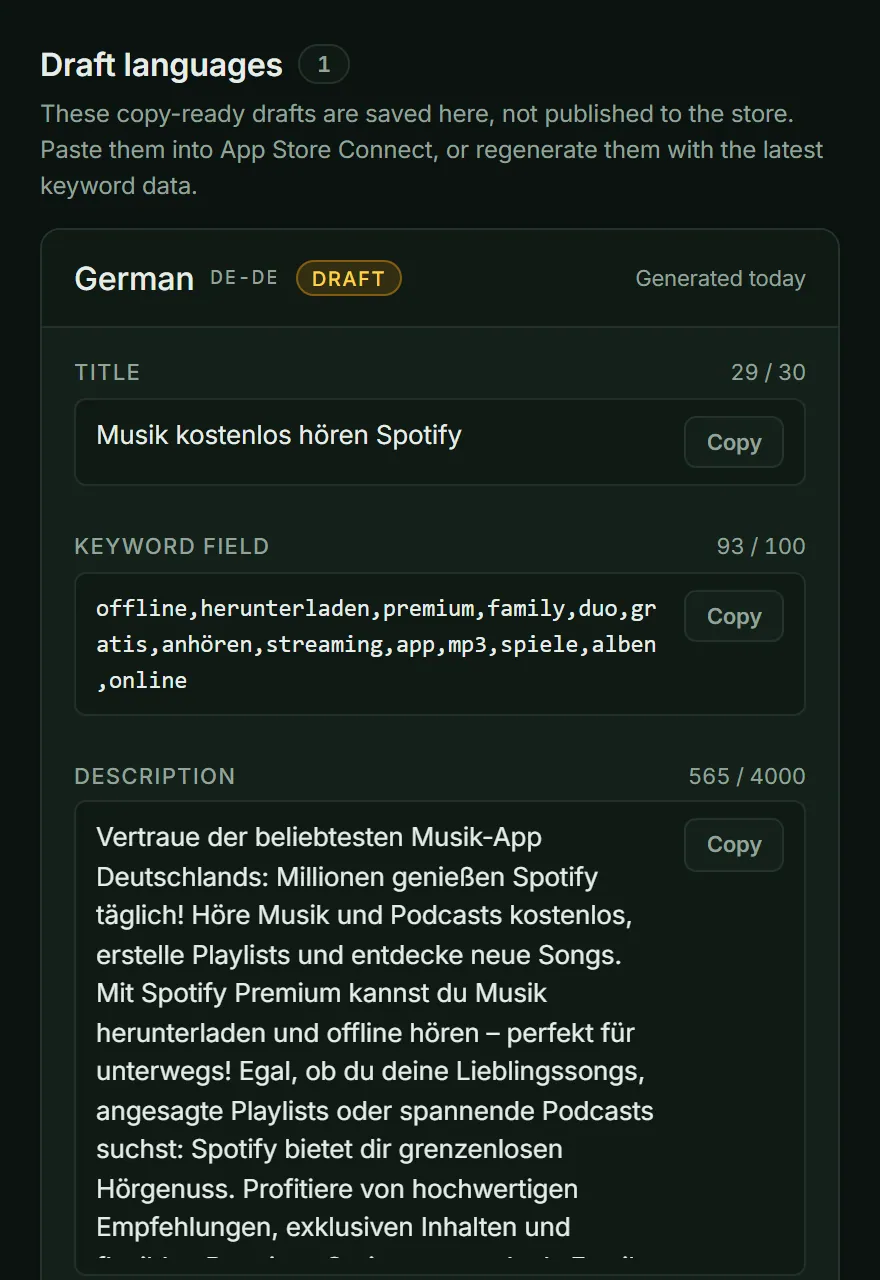
A German draft from Localization, built from German keyword research and ready to copy. In ASOScanApp Listing › App Page PreviewKeywords › Keyword Simulator
Put your draft into the Metadata Simulator to see your new ASO score. Use the Keyword Simulator to see which keywords each field covers and how many more searches you can reach. Your live store page does not change while you test. When the draft is ready, copy it into App Store Connect or Google Play Console and submit it there. ASOScan does not publish to the stores for you.
Change one or two fields at a time. Then you know which change made the difference.
In ASOScanKeywords › Tracked KeywordsApp Listing › Changelog
ASOScan checks your rank for each keyword every day, 200 positions deep, on the App Store and on Google Play. The rank charts show the movement, and the Changelog shows the date of each change to your store page. Compare the weeks before and after a change, not single days, because ranks move a little every day.
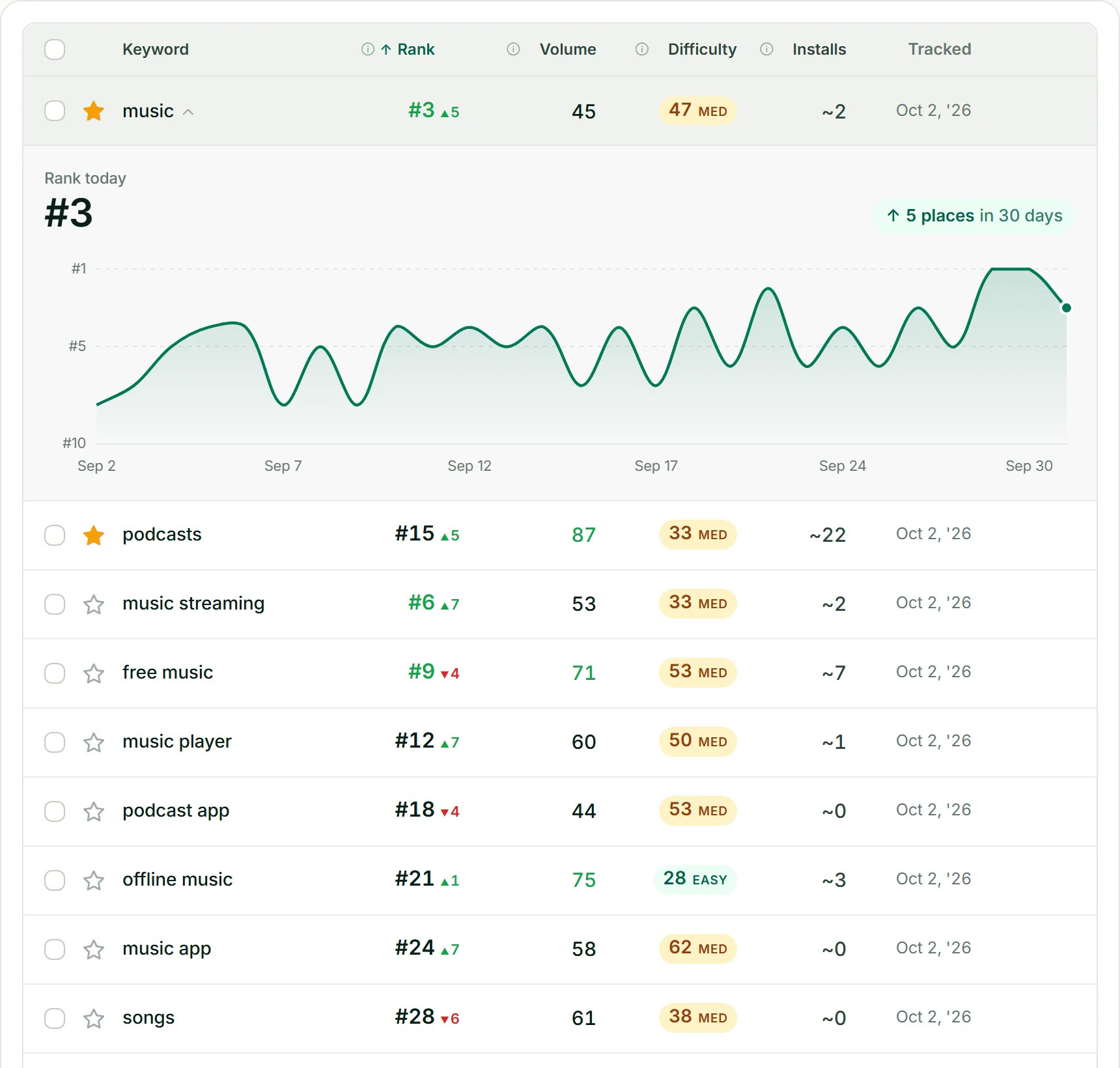
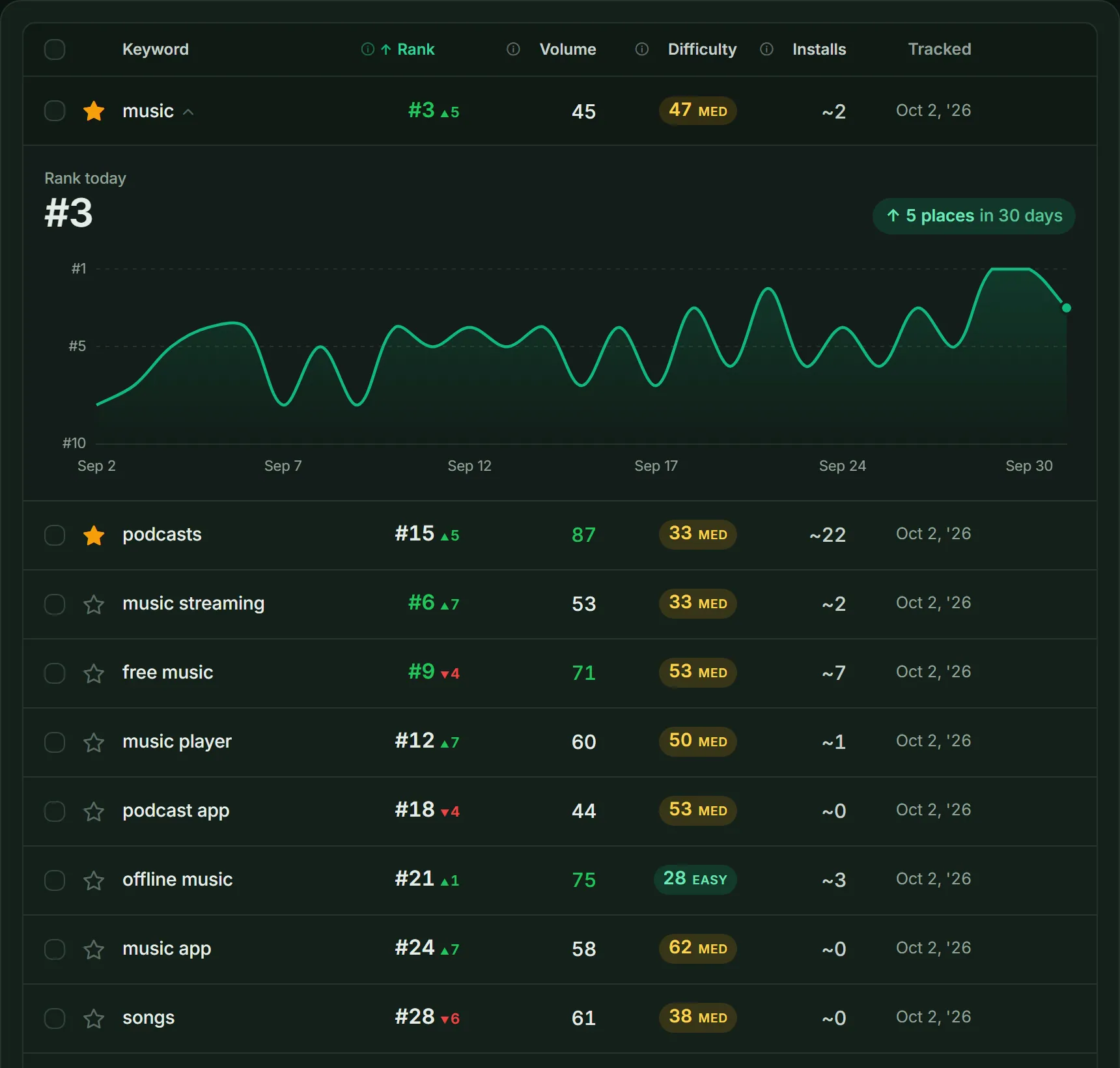
Tracked keywords with volume, difficulty and installs, one keyword opened to its 30-day rank history. In ASOScanApp insights › Category RankCompetitors & Market › Featured Apps
Every day, ASOScan records your rank in your category, for your app and for each competitor, on one chart. Featured Apps tells you when your app or a competitor enters the top free chart of a country. So when your downloads jump, you can see if a chart spot explains it. When a competitor climbs, open their Changelog to see what they changed before it.
In ASOScanReviews & Ratings › Sentiment InsightsReviews & Ratings › Review Feed
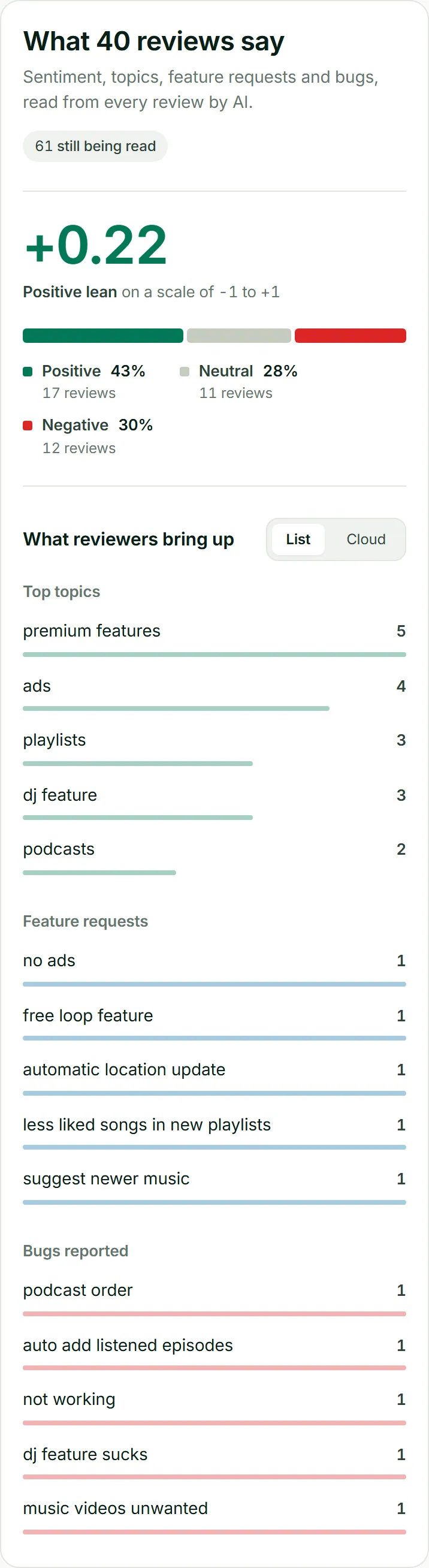
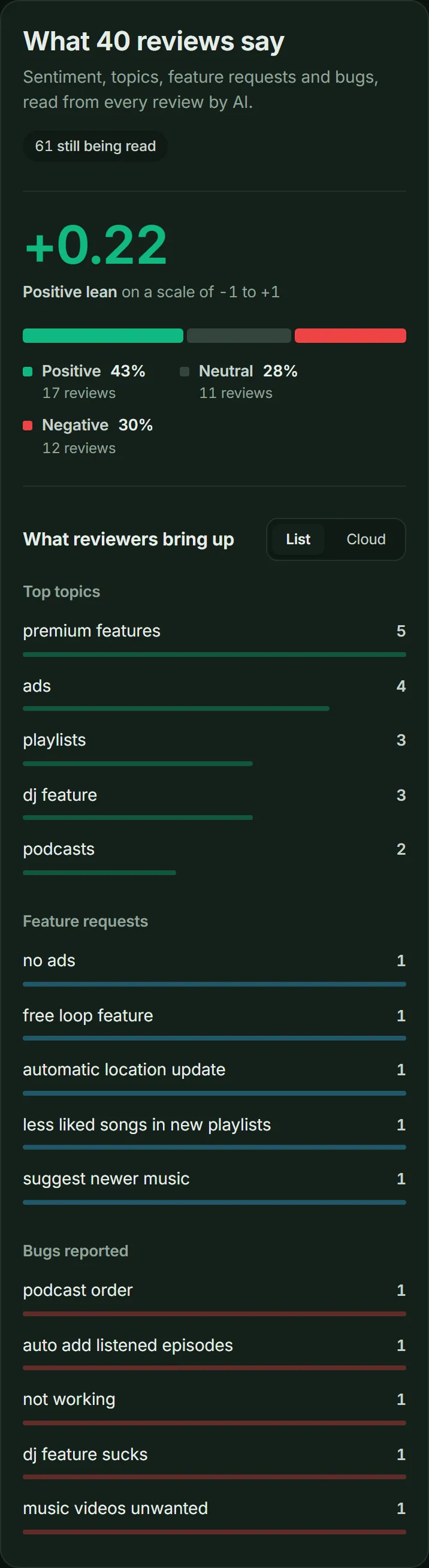
ASOScan tags each review with its sentiment, its topics, and any bug or feature request in it. You see what users say without reading every review. Connect App Store Connect or Google Play Console to get your full reviews and to reply from ASOScan. The AI writes a draft reply in the language of the reviewer, in a tone that fits their rating. You can give the AI a short instruction, or start from one of your saved templates. You check the reply, then post it.
A reply helps the people who read your store page. It does not change your keyword rank.
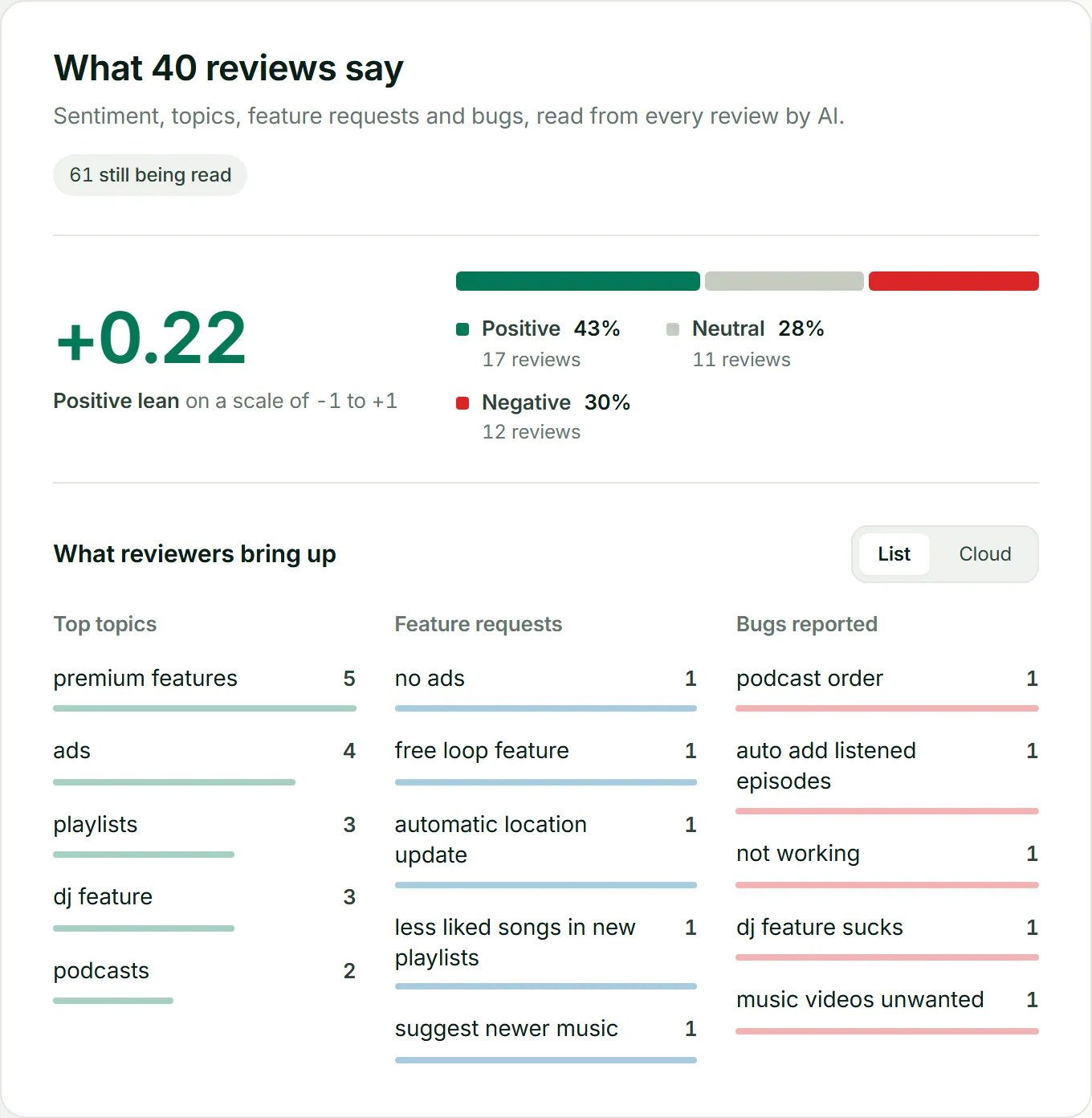
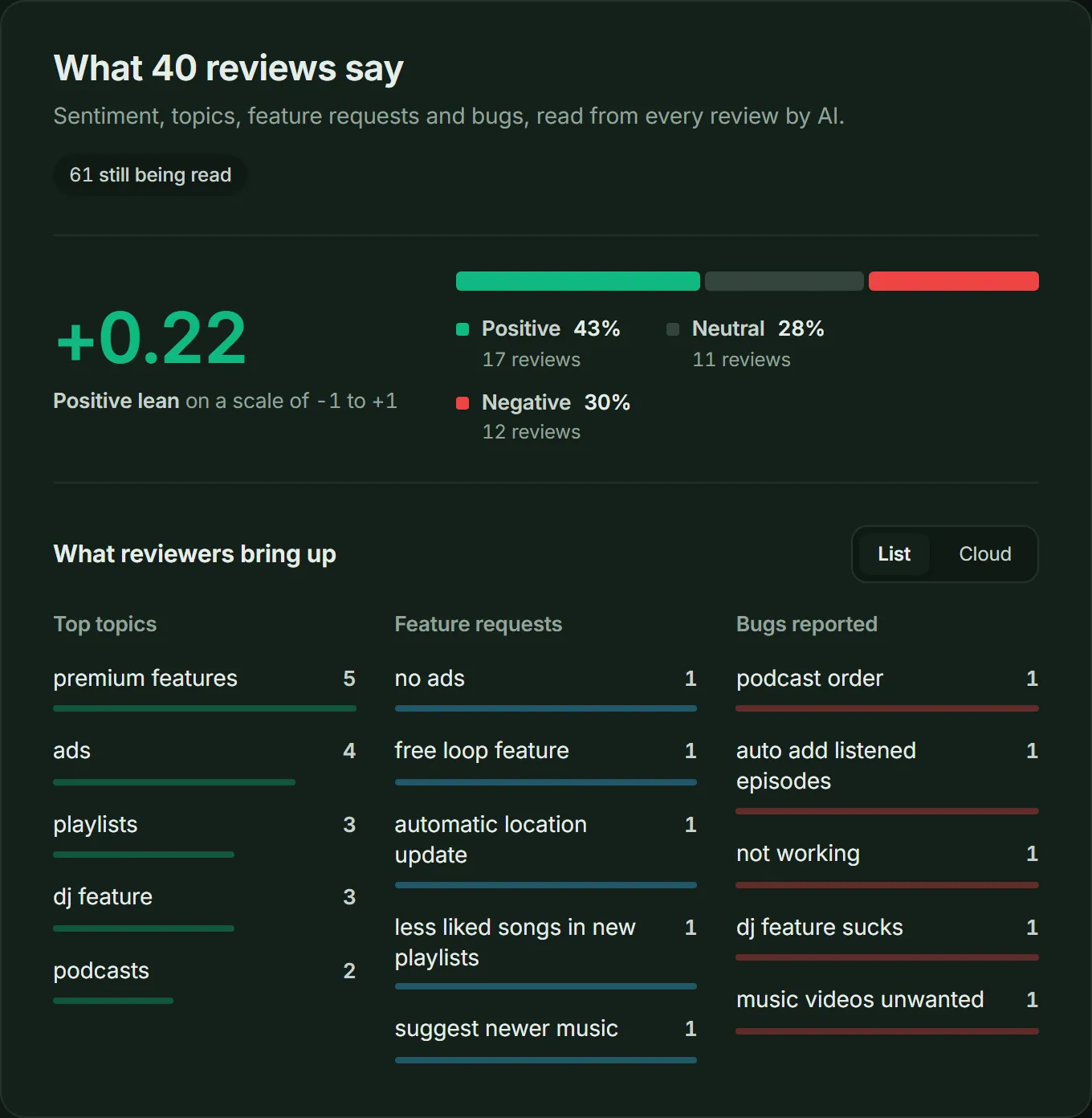
Sentiment Insights: the split of positive and negative reviews, and the topics, requests and bugs in them. In ASOScanAlerts & Reports › Alert RulesSettings › Webhooks
Create alert rules for rank drops, rating changes and competitor changes. ASOScan sends alerts by email, and with webhooks it can also send them to Slack or Microsoft Teams. Every Monday, the weekly digest email gives you a summary of all your apps. You can also download a PDF report for one app.
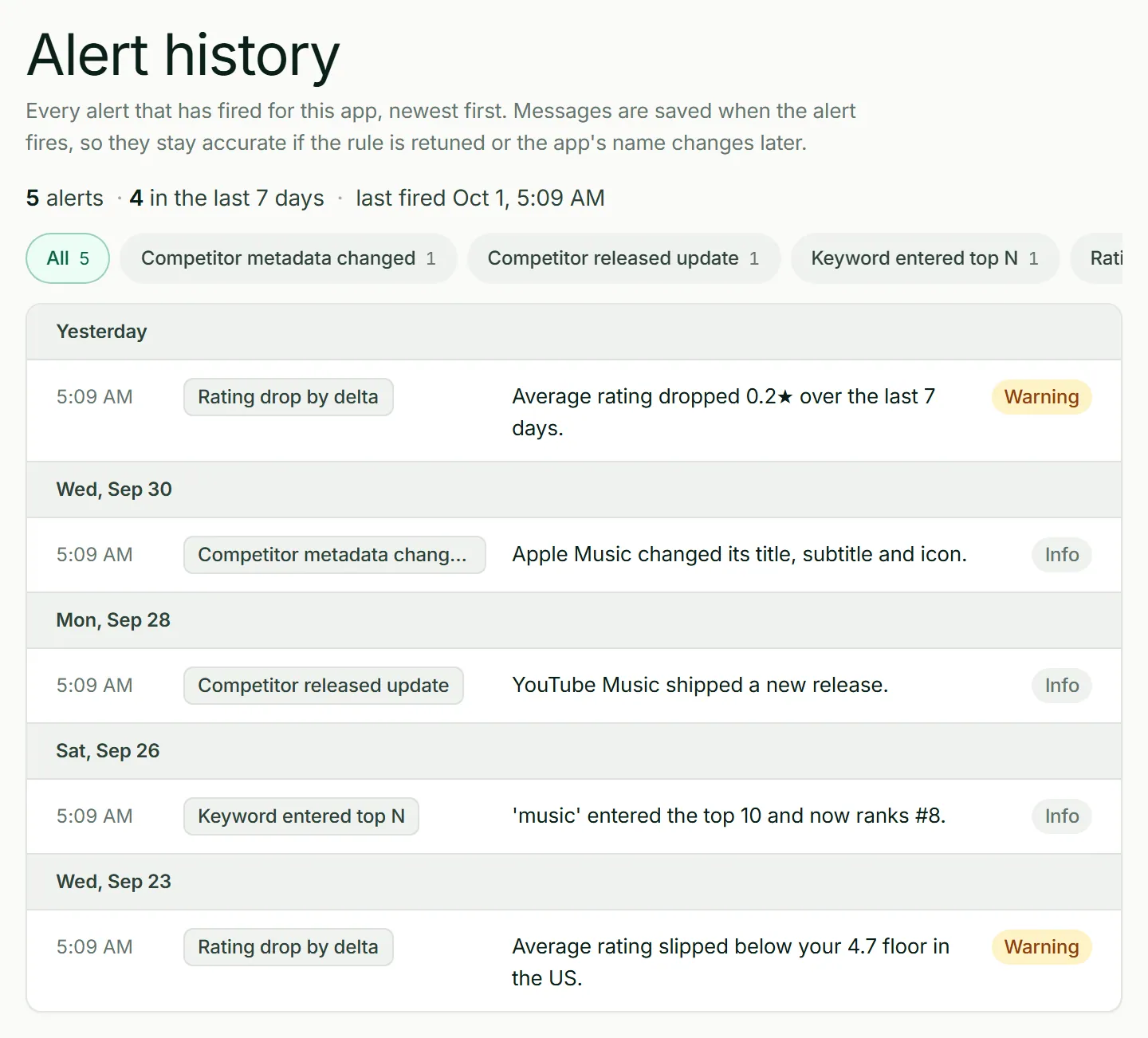
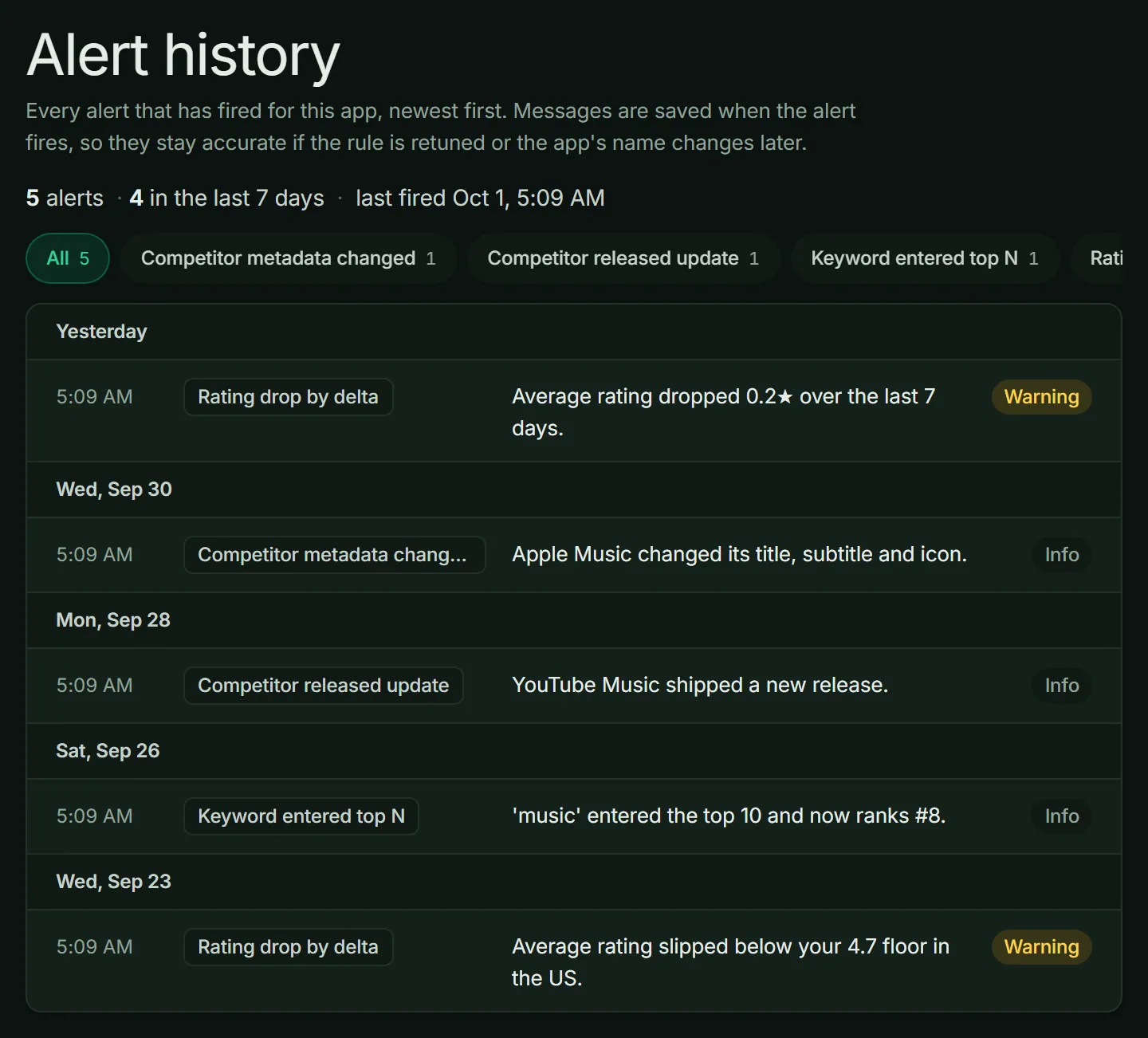
Alert History: every alert that fired, newest first.






What the stores read for search
The two stores read different fields. Put your keywords where your store looks for them.
| Field | App Store | Google Play |
|---|---|---|
| Name | App name, up to 30 characters | App name, up to 30 characters |
| Second line | Subtitle, up to 30 characters | Short description, up to 80 characters |
| Hidden keywords | Keyword field, up to 100 characters, commas and no spaces | There is no hidden field |
| Long description | Write it for people. Put your keywords in the three fields above. | Full description, up to 4,000 characters, read for search |
For the full setup of a new app, read how to publish on the App Store and how to publish on Google Play.
Your routine after the first week
- Every day
- Read your alerts. Most days there is nothing to do. On the other days, an alert tells you about a rank drop or a competitor change.
- Every week
- Read the Monday digest. Look at rank movement, new keyword opportunities, competitor changes and new reviews.
- Every month
- Look at your ASO score trend. Plan your next metadata change, test it, and publish it. Then check one new market.
Go further
- More markets
Pick a new country in Localization. ASOScan researches the keywords of that market first, then writes a new title, subtitle, keyword field and description in its language, built on those keywords. You can also copy or translate your keyword list to another country.
- AI Visibility
People now ask ChatGPT, Gemini and Perplexity which app to use. AI Visibility measures how often these assistants recommend your app, and it tells you what to change.
- Your own AI agent
ASO Skills are free and open source. Your agent in Claude Code or Cursor can research keywords, check competitors and audit your metadata with your ASOScan data. Read the developer docs for the API and webhooks.
ASOScan playbook: FAQ
Do I need to know ASO to use ASOScan?
No. Do steps 1 to 4 first. ASO Recommendations tells you what to fix first, and the keyword difficulty shows you which keywords you can win. You learn the rest as you go.
How long does it take to see results?
That depends on the store, your keywords and your competitors. ASOScan records your rank every day, so you can compare the weeks before and after each change and see what worked.
Does ASOScan work for the App Store and Google Play?
Yes. ASOScan works for both stores, in every store market. If your app is on both stores, you can link the two versions as one product.
What does ASOScan not do?
ASOScan does not publish changes to the stores. You copy your text into App Store Connect or Google Play Console. It does not run A/B tests in the store. The simulators show you a preview before you publish. It does not estimate downloads or revenue for other apps. And it does not promise a rank. Good ASO helps you rank better, and ASOScan shows you what to change, but the stores decide the order.
Is there a free trial?
Yes. You get 7 days free, and you do not need a credit card. On day 7 the trial ends. Nothing is charged unless you choose a plan.
Can my AI agent use ASOScan?
Yes. Install the free ASO Skills in Claude Code, Cursor or another Agent Skills client with the command npx skills add ASOScan/aso-skills. API access comes with every plan, including the trial. With an API key from your ASOScan account, your agent can read your keywords, opportunities, competitors, reviews and ASO score.
Sources
- Apple: Creating your product page
- Google: Add preview assets to showcase your app (Play Console Help)
Store field limits checked against the official Apple and Google documentation on 2 October 2026.
Run the playbook on your own app.
Start a 7-day free trial. You do not need a credit card, and you get your ASO score in about a minute.
Start free trial