Ad Campaigns in ASOScan: Run Google Ads & Apple Search Ads Alongside Your ASO
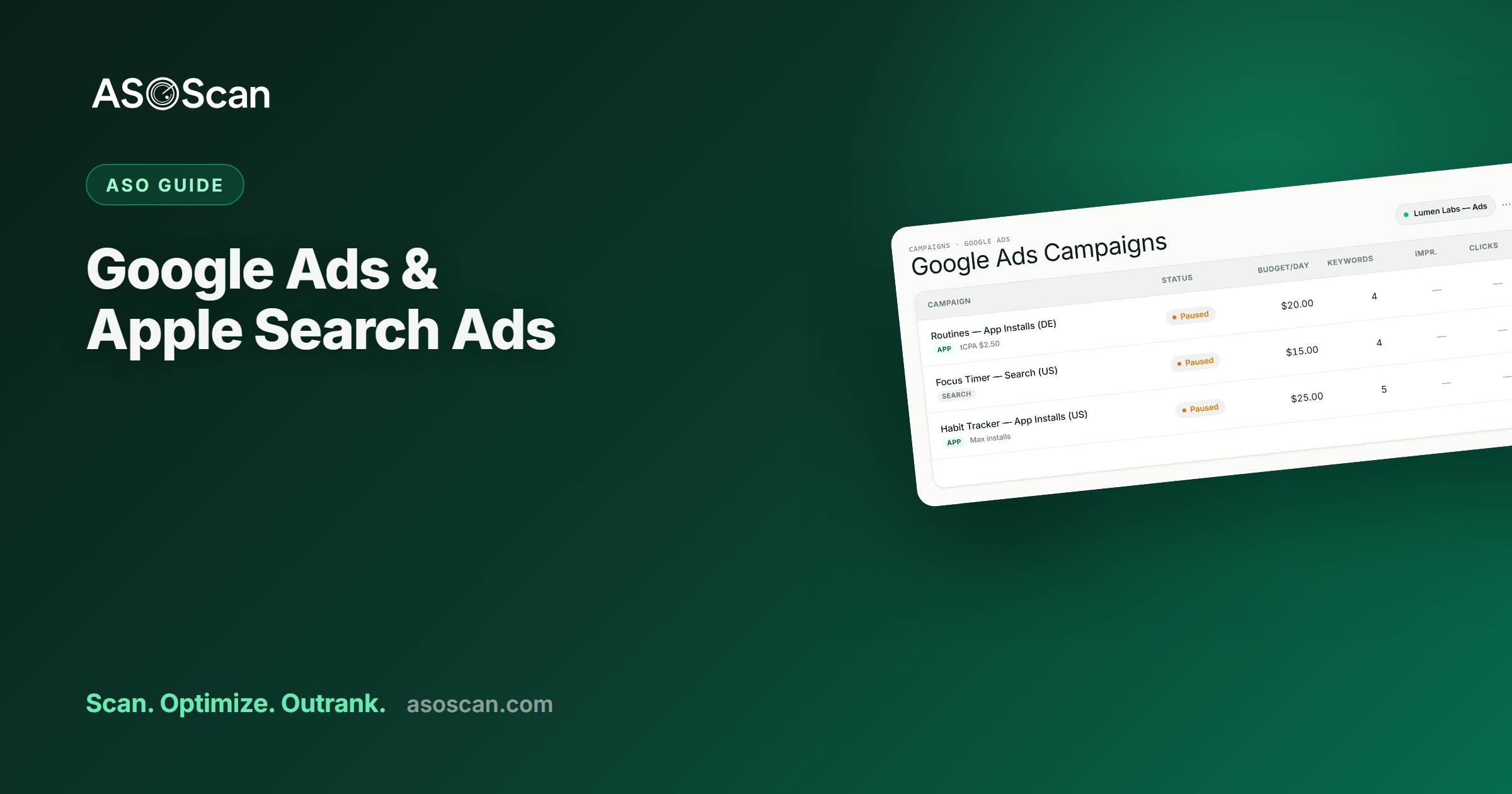
Quick answer: ASOScan's Ad Campaigns feature lets you create and manage Google Ads and Apple Search Ads (Apple Ads) campaigns for your apps from inside the same tool you use for organic ASO, built on the keyword data you already track. Campaigns are always created paused (no surprise spend), Google ad copy can be drafted by AI from your keywords, and a rank overlay shows your paid activity against your organic rankings so you can see how the two move together. It's a Pro-and-up feature.
Last updated: June 2026.
Organic ASO and paid app ads pull the same lever (App Store and Play Store visibility) from two directions, and they work best when they share the same data and the same workflow (we cover the strategy in ASO vs Apple Search Ads). ASOScan's Ad Campaigns feature brings the paid side into your ASO command center: launch and manage Google Ads and Apple Search Ads campaigns next to the keywords you already track. Here's what it does, and why running ads from your ASO tool beats bolting on a separate ad platform.
Why run app ads from your ASO tool
- Shared keyword data. The keywords you research and track for organic ASO are the same keywords you'd target with ads. Running both from one place grounds your paid targeting in your keyword research, not a separate spreadsheet.
- Your metadata sets your ad relevancy. On both stores, listing quality affects your ads: Apple uses your metadata to judge ad relevance, which influences your cost. Strong ASO literally makes your ads cheaper, and doing both in one tool keeps them aligned.
- Paid-and-organic in one view. See your paid activity against your organic rankings, instead of guessing whether a paid push moved your organic position.
- One workflow. Research a keyword, track it, and, if it's worth paying to accelerate, launch a campaign for it, without leaving the tool.
Google Ads campaigns
ASOScan creates and manages Google Ads campaigns for your apps:
- App campaigns (Google's install-focused format for apps) and Search campaigns, built from a guided wizard.
- AI-drafted ad copy. Generate headlines and descriptions from your tracked keywords, inside Google's character limits, and edit before you ship.
- Image assets for App campaigns.
- Always created paused: nothing spends until you explicitly enable it (more below).
- You connect your own Google Ads account; ASOScan acts only on the accounts you authorize.
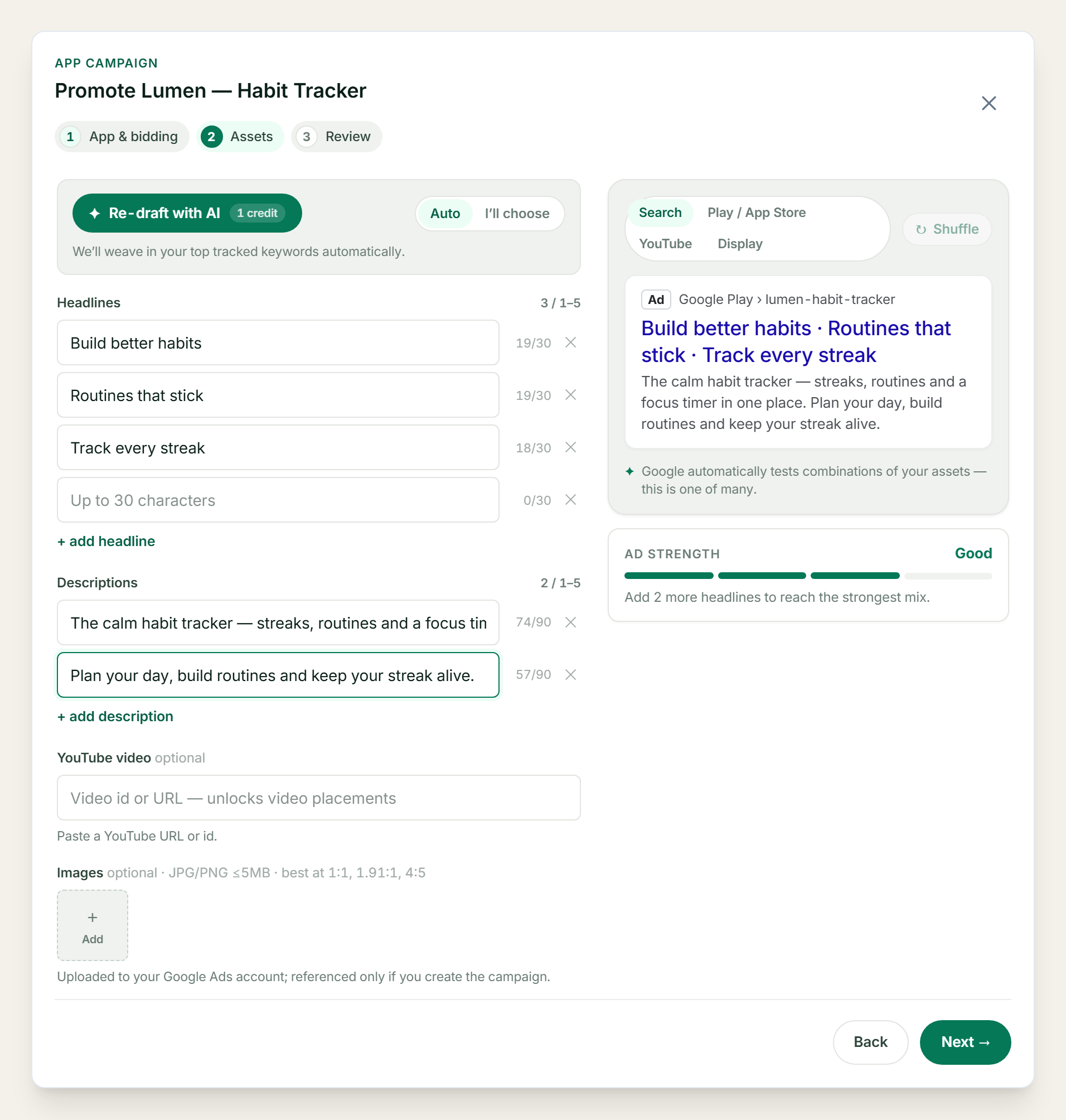
The campaign builder: guided steps, AI-drafted copy, and a live ad preview.
Apple Search Ads campaigns
For iOS apps, ASOScan creates Apple Search Ads (Apple Ads) Search-Results campaigns:
- Target keywords (broad or exact), set your countries, daily budget, cost-per-tap bid, and an optional cost-per-acquisition goal.
- Created paused, like Google.
- There's no ad creative to write: an Apple Search Ads result is your App Store product page. That's the part worth pausing on: with Apple Ads, your ASO is your ad creative. The screenshots, title, and subtitle you optimized organically are exactly what your paid impressions show. Weak ASO means weak ads. The work compounds across both.
This is why the organic-first order matters: your listing is doing double duty the moment you turn on Apple Ads.
Created paused: no surprise spend
Every campaign ASOScan creates starts paused. Nothing is charged until you explicitly turn it on. That's deliberate: you build the campaign, review it, and decide to spend, instead of a misconfigured budget quietly burning money the moment you hit save. When you enable or pause a campaign, that action is logged, which feeds the overlay below.
See paid against organic
ASOScan overlays your campaign activity onto your keyword rank charts: the periods when a campaign was enabled are shaded on the same timeline as your organic rank for that keyword.
To be precise about what this is, and isn't: the overlay measures, it doesn't promise. It shows whether your organic rank moved during a paid period, so you can judge for yourself whether the spend coincided with organic movement. It is not a claim that ads boost your organic ranking. Paid installs can help establish relevance for a keyword (see ASO vs Apple Search Ads), but that's a possibility you can now observe in your own data, not a guarantee we'd sell you.
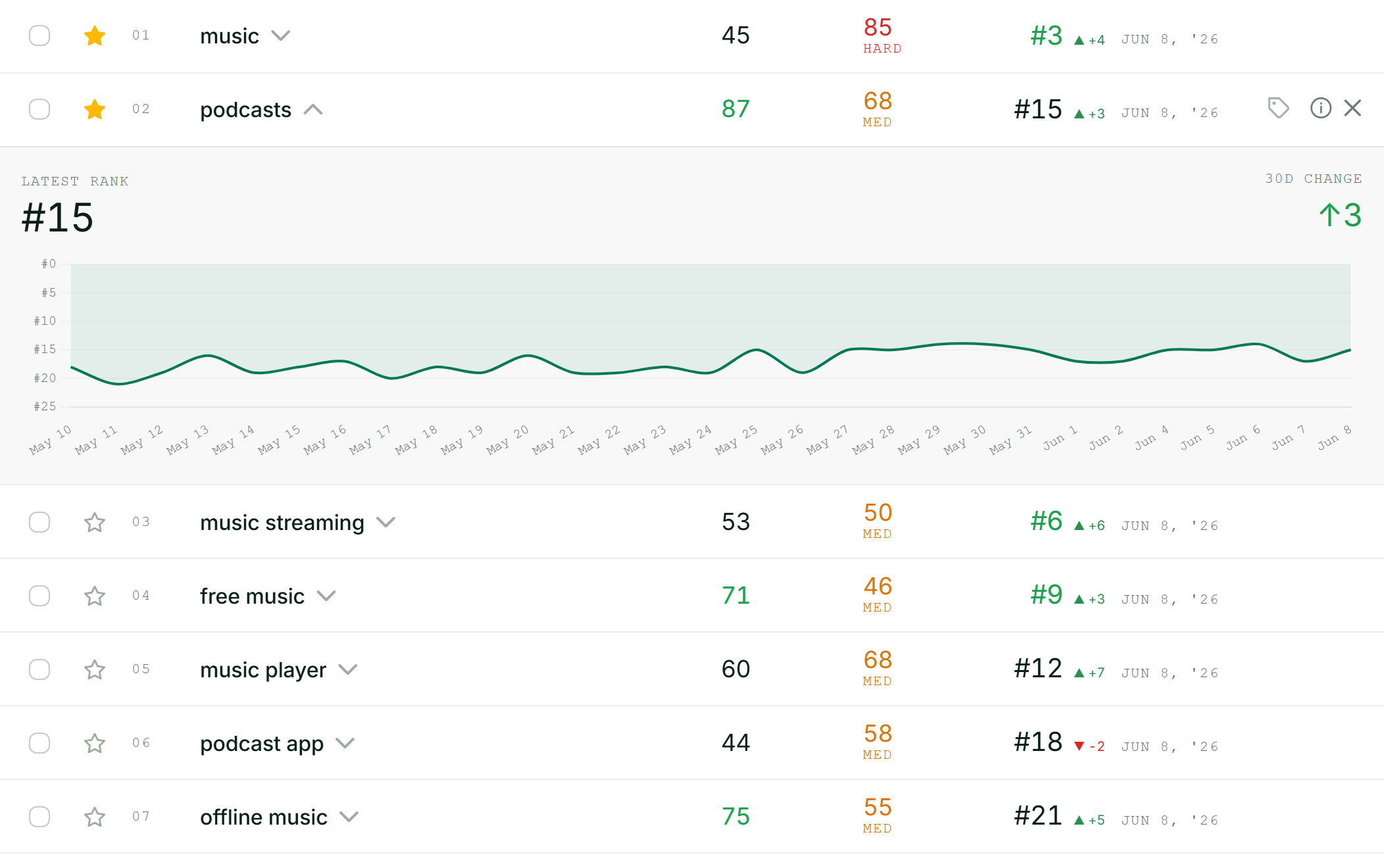
Organic rank over time, with paid-campaign periods shaded on the same chart.
Built on your keyword data
The whole point is integration. The keywords in your keyword intelligence list are the candidates for your ad targeting; the organic ranks you track are the baseline you measure paid against; your metadata is what sets your ad relevancy. Running ads from a tool that already knows all three beats running them from a silo, and it keeps your paid spend honest, because you can always check it against the free channel.
Plans
Ad Campaigns is a Pro-and-up feature (Pro, Business, Agency, Enterprise), with per-tier limits on active campaigns. See pricing for the breakdown.
Getting started
- Connect your ad account: your Google Ads account for Google campaigns, or your Apple Ads account for Apple Search Ads.
- Pick an app and open the campaign builder.
- Choose your keywords (from the ones you already track), budget, and targeting.
- For Google, draft ad copy (or let AI draft it from your keywords) and review the preview.
- Save. The campaign is created paused; enable it when you're ready to spend.
More on the Ad Campaigns feature page.
Frequently asked questions
Can I run Google Ads and Apple Search Ads from ASOScan?
Yes, the Ad Campaigns feature creates and manages both Google Ads (App and Search campaigns) and Apple Search Ads (Apple Ads) Search-Results campaigns for your apps, using the keyword data you already track for organic ASO. Campaigns are always created paused, so nothing spends until you explicitly enable it. It's available on Pro and up.
Will running ads through ASOScan boost my organic rankings?
We won't claim that. ASOScan shows your paid campaign periods against your organic rank chart so you can see whether they moved together. It measures, it doesn't promise a boost. Paid installs can sometimes help establish a keyword's organic relevance, but that's an outcome you can observe in the data, not a guaranteed effect we'd advertise.
Does ASOScan spend my ad budget automatically?
No. Every campaign is created paused: nothing is charged until you explicitly enable it. You build and review the campaign first, then decide to spend. Pausing and enabling are logged, which also feeds the paid-versus-organic overlay on your rank charts.
Do I need my own Google Ads or Apple Ads account?
Yes, you connect and authorize your own ad accounts, and ASOScan acts only on the accounts you grant access to. For Apple Search Ads you connect your Apple Ads account; for Google you authorize your Google Ads account. Your organic ASO data and your ad accounts then live in one place.
What's the difference between Google Ads and Apple Search Ads in ASOScan?
Google campaigns include ad creative: headlines, descriptions (AI-draftable from your keywords), and images. Apple Search Ads have no creative to write, because the ad is your App Store product page, so your ASO (screenshots, title, subtitle) serves as your ad creative. Both are created paused and built from the keywords you already track.
The feature pages go deeper: Apple Search Ads and ad campaigns.